
OWNER ANSWER
Lost your phone with a BYD digital key? What to do next
Use the lost-device controls for the wallet that held your BYD key, then arrange a trusted way to access the car. Review BYD app access and shared keys separately: suspending one phone does not cancel every other key or account authorisation.
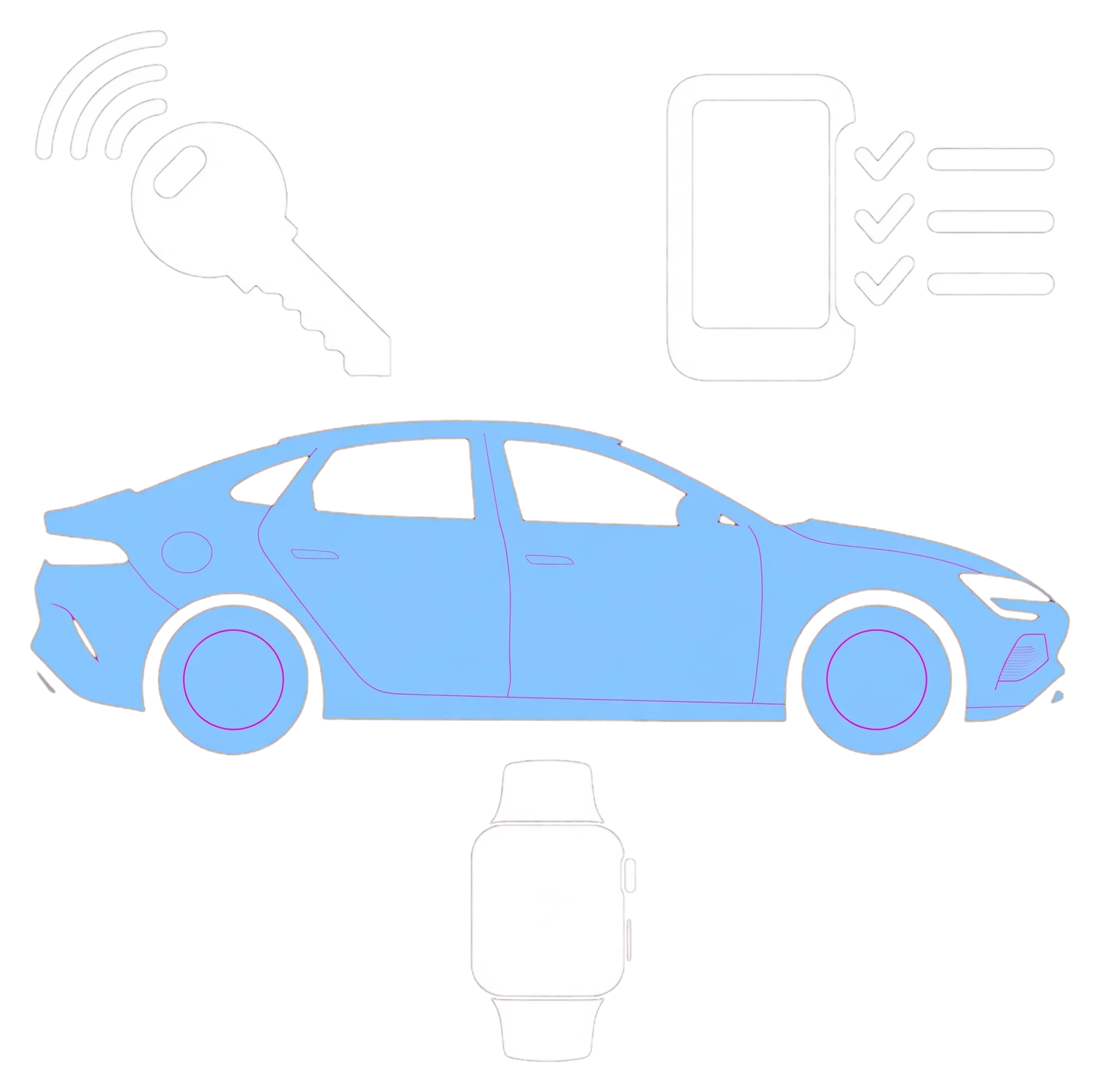
- Identify whether the phone, paired watch, physical keys or several items are missing.
- For Apple Wallet, use Apple’s official lost-device process to mark the device lost. This disables that device’s car key; already shared keys stay active. Safety note: Get to a safe place first and do not confront a suspected thief to retrieve a device. Use official recovery channels and keep passwords and verification codes private.
- For Google Wallet, use Find Hub and the supported Secure device route. Suspension normally needs the phone powered on and network-connected; check the command status.
- For Samsung Wallet or another supported wallet, use that provider’s own lost-device instructions.
- Arrange the physical key or another access method already confirmed for your car.
- Ask BYD to help secure app account access and review authorised users if the missing phone was signed in.
- Once access is secured, follow the supported replacement-phone setup.
What to expect
The lost-device service confirms the action’s status and you have reviewed other shared keys and BYD account access separately. A pending command or one suspended device does not confirm every access method is disabled.
If that did not work
If key suspension remains pending, tell the wallet provider and BYD the exact status and whether the phone is online. Ask BYD to review vehicle/app access, including any other missing keys, through its official support process.
What to note down for support: Wallet provider, time and status of each action, network status, missing keys and case references are useful.
Suspending, removing and erasing are different
Deleting the BYD app is not the same as removing a Wallet key. A remote phone wipe has separate recovery implications; read the device provider’s guidance before choosing it. Google vehicle-specific removal options can differ, and an offline phone may not have received a queued command.
If no trusted key is available
Contact official BYD assistance or support. Confirm eligibility and cost before non-emergency recovery; a watch, shared phone or NFC card must have its own working authorisation.
Related links
Source: Apple car-key setup and recovery · Google car-key recovery · BYD UK. Checked 22 October 2026.