Choose the right BYD app task
- QR code not showing: check dealer activation, ownership linking and pairing
- App not working: separate phone, vehicle-connection and account faults
- Digital Key: setup, secure sharing and day-to-day use
- Supported phones and Apple Watch: check BYD’s published device families
- Vehicle authorisation: share access and remove an authorised user
- Smartwatch controls: compatibility and setup checks
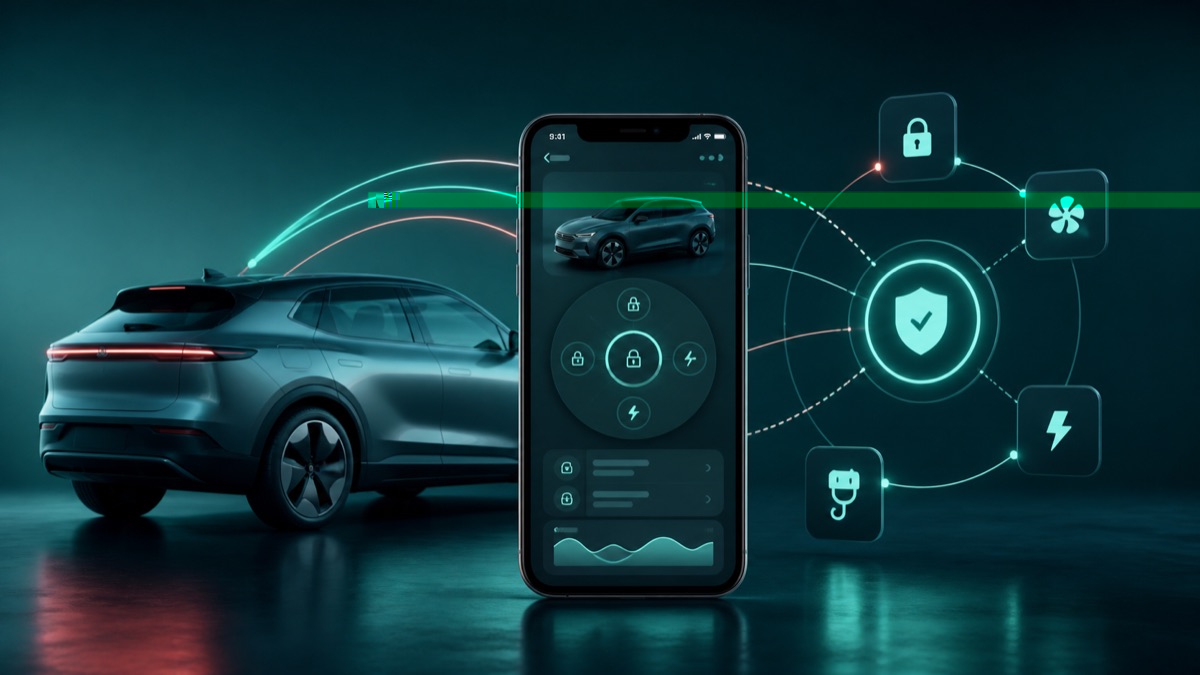
What the BYD app can do
The UK app can provide vehicle status and remote functions where the exact car, account and cloud services support them. Available tiles differ by model, software and rollout, so a screenshot from another owner is not a guarantee.
Set it up methodically
- Install the official BYD app from the phone app store.
- Create or sign in to the account used for the vehicle.
- Allow only the permissions needed for the function you want to use.
- Link the correct vehicle using the supported in-car or ownership process.
- Check that the vehicle status refreshes before testing remote controls.
If information is stale or controls fail
- Check phone data, app permissions and battery-saving restrictions.
- Wake the parked vehicle and allow time for it to reconnect.
- Confirm the app and vehicle show the expected account and model.
- Sign out only if necessary; first preserve any useful error message or screenshot.
Use remote controls safely
Check the car surroundings before operating climate, locks or other controls. Keep the physical key available and never depend on a phone as the only access method until the feature has been tested reliably.
When account help is required
If ownership cannot be verified, the wrong vehicle appears, or an old owner remains linked, use BYD support or the retailer ownership process. Send the app version, phone type, vehicle software and error wording privately; never share passwords or one-time codes.
Use the linked manufacturer document or page alongside the instructions supplied with your exact vehicle.
Open official source ↗