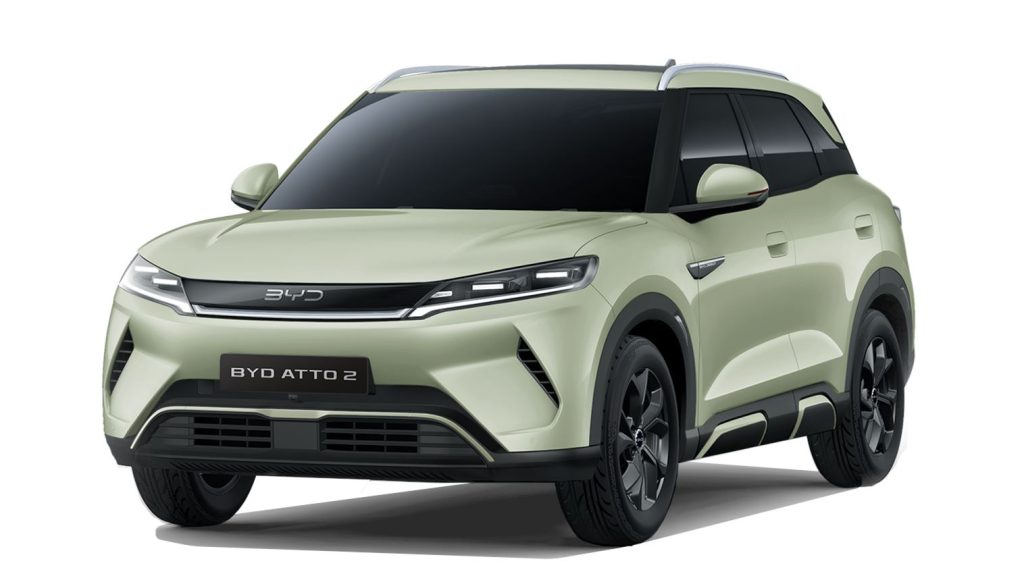
BYD ATTO 2BYD questions and answers
BYD Atto 2 OTA software update 2.2.0
EVDeal.co.uk - your EV saving platform
New features:
- Add Tuneln Radio to the BYD Store.
- Add vehicle account functionality. (available in select countries and regions)
- Enable the instrument cluster to follow the tablet theme.
- Add CarPlay and Android Auto options to the desktop media widget.
Feature optimization:
- Optimize system Ul display.
- Optimize the stability of CarPlay and Android Auto connections.
With BYD app for iPhones you can now check for BYD software updates within the app.
How to update BYD Atto 2 software ?
You can update your BYD Atto 2 using an over-the-air (OTA) update. Simply connect the car to a Wi-Fi network, go to Settings > System > Version, and select Upgrade. If a new software update is available, your vehicle may also notify you automatically with a red dot on the infotainment screen, indicating that the update package is ready to download and install.