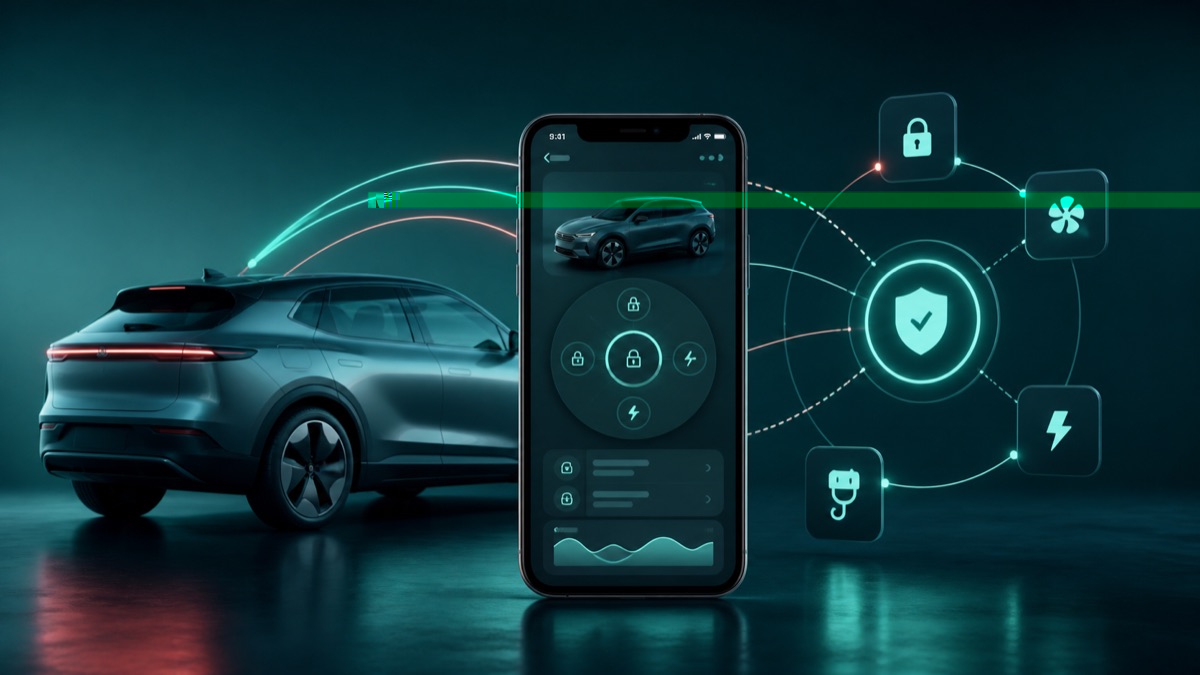
Why a new control may not appear immediately
BYD app features can depend on the phone operating system, installed app version, signed-in account, vehicle model, vehicle software and the staged UK rollout. Two owners can therefore receive the same app update but see different controls.
Check the complete chain
- Open the Apple App Store or Google Play listing and confirm the BYD app is fully updated.
- In the app, confirm the correct vehicle and account are shown.
- Wake the vehicle, give it a stable mobile connection and refresh the app once.
- Compare the vehicle software version with the latest documented update for the exact model.
- Test a new remote control while beside the parked car with the physical key available.
What the result means
- The feature works: check its limits before relying on it away from the car.
- The tile is missing: the account, vehicle or UK rollout may not yet support it.
- The tile is present but fails: close and reopen the app, check phone permissions and retry after the vehicle reconnects.
- The wrong vehicle appears: stop and correct the account or vehicle authorisation before testing controls.
When to contact support
Contact BYD support or the supplying retailer if a previously working control disappears for more than a day, the vehicle cannot be linked to the rightful owner account, or the app reports an authorisation error. Send the exact model, app version, vehicle software version, phone type and a screenshot with personal identifiers hidden.
Manufacturer reference
Use the linked manufacturer document or page alongside the instructions supplied with your exact vehicle.
Open official source ↗