BYD Sealion 7 3.3.0 OTA software update
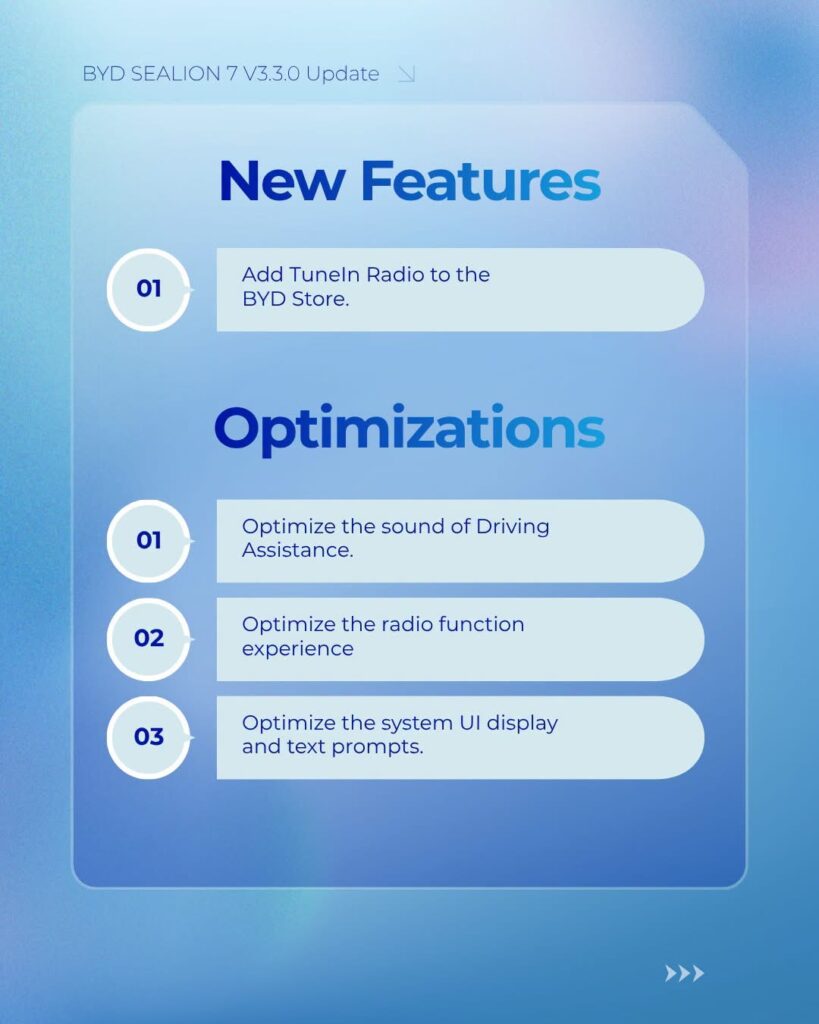
New software update for BYD Sealion 7, List of changes and new features:
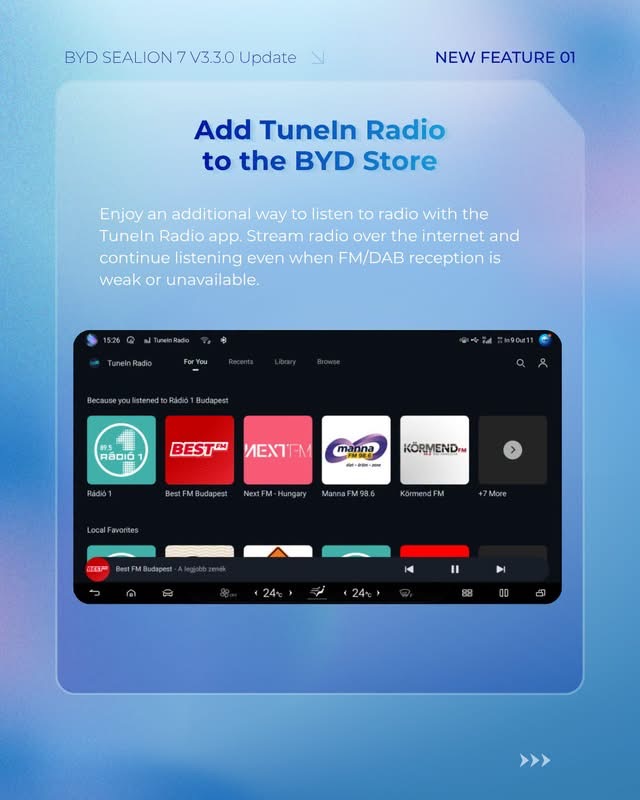
Add Tuneln Radio to the BYD Store.
Enjoy an additional way to listen to radio with the Tuneln Radio app. Stream radio over the internet and continue listening even when FM/DAB reception is weak or unavailable.
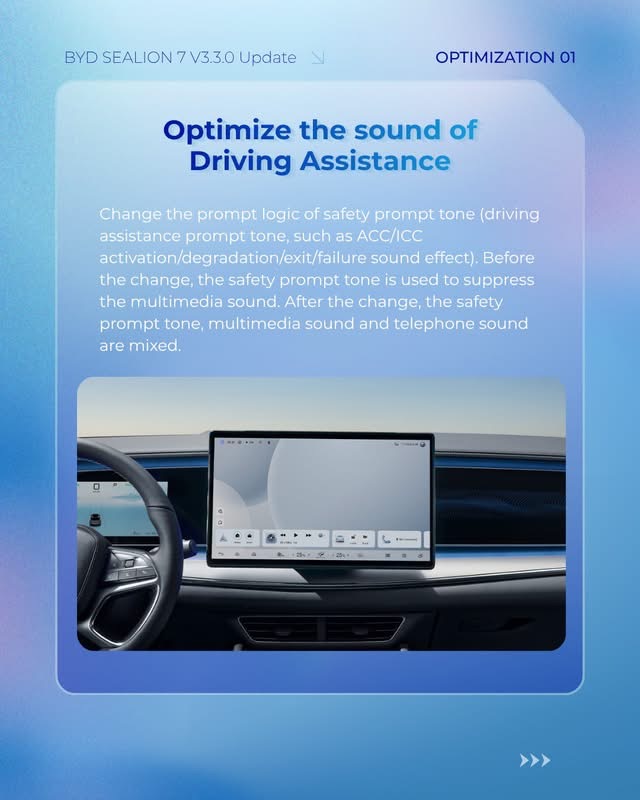
Optimize the sound of Driving assistance
Change the prompt logic of safety prompt tone (driving assistance prompt tone, such as ACC/ICC
activation/degradation/exit/failure sound effect). Before the change, the safety prompt tone is used to suppress the multimedia sound. After the change, the safety prompt tone, multimedia sound and telephone sound are mixed.
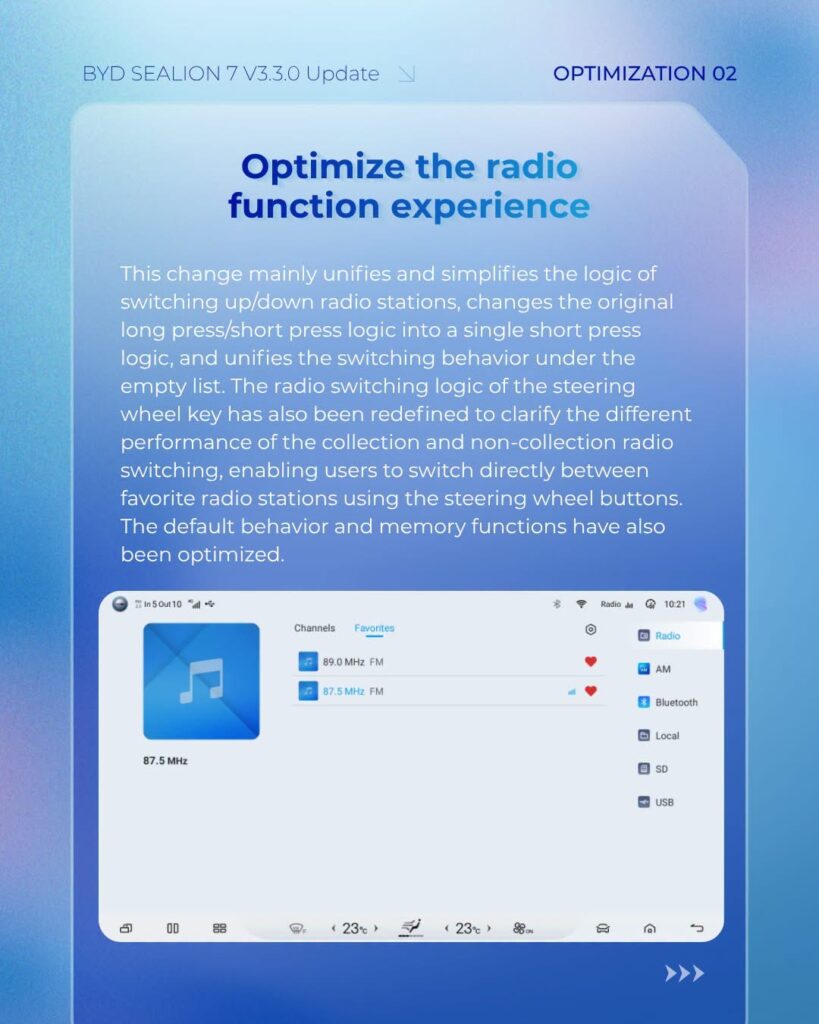
Optimize the radio function experience.
This change mainly unifies and simplifies the logic of switching up/down radio stations, changes the original long press/short press logic into a single short press logic, and unifies the switching behavior under the empty list. The radio switching logic of the steering wheel key has also been redefined to clarify the different performance of the collection and non-collection radio switching,
enabling users to switch directly between favorite radio stations using the steering wheel buttons.
The default behavior and memory functions have also been optimized.
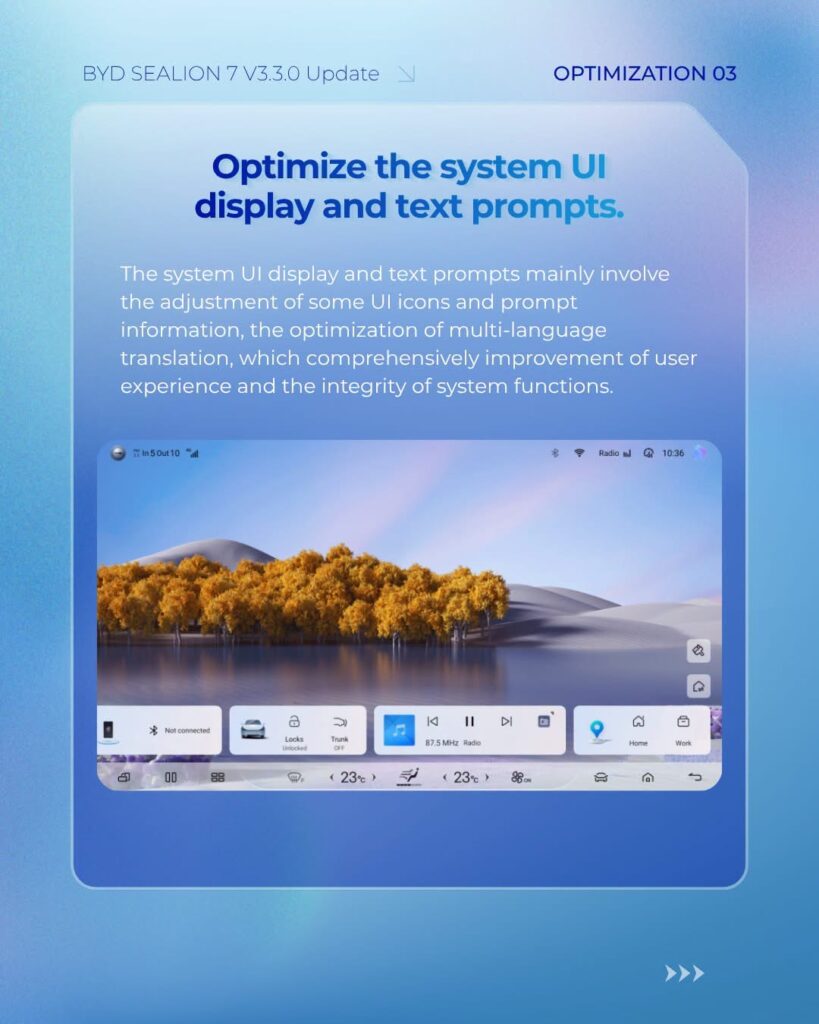
Optimize the system Ul display and text prompts.
The system Ul display and text prompts mainly involve the adjustment of some Ul icons and prompt information, the optimization of multi-language translation, which comprehensively improvement of user experience and the integrity of system functions.
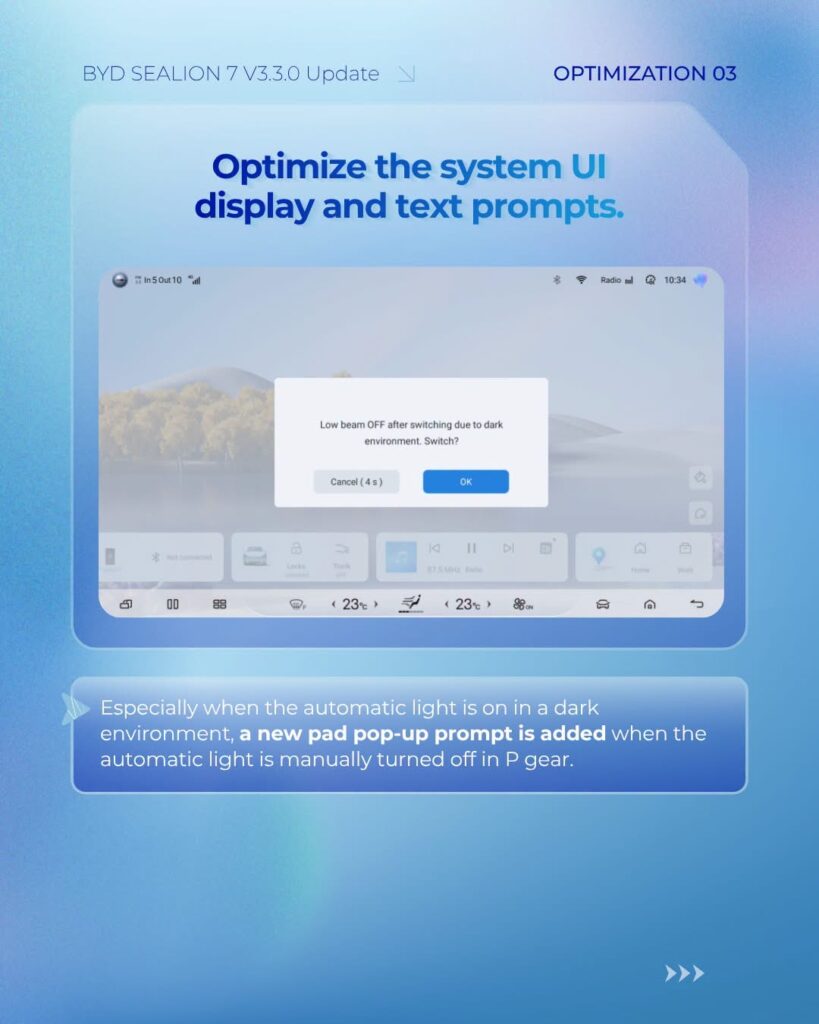
Optimize the system Ul display and text prompts.
Especially when the automatic light is on in a dark environment, a new pad pop-up prompt is added when the automatic light is manually turned off in P gear.
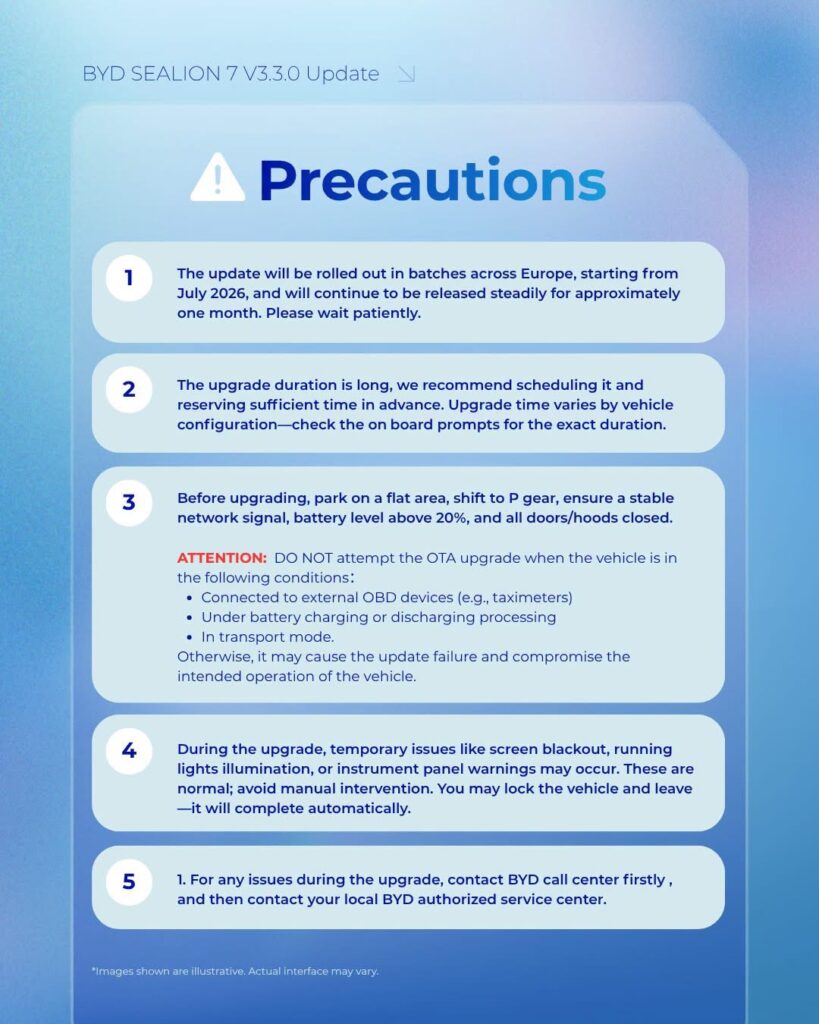
Precautions
- The update will be rolled out in batches across Europe, starting from July 2026, and will continue to be released steadily for approximately one month. Please wait patiently.
- The upgrade duration is long, we recommend scheduling it and reserving sufficient time in advance. Upgrade time varies by vehicle configuration-check the on board prompts for the exact duration.
- Before upgrading, park on a flat area, shift to P gear, ensure a stable network signal, battery level above 20%, and all doors/hoods closed. ATTENTION: DO NOT attempt the OTA upgrade when the vehicle is in the following conditions: Connected to external OBD devices (e.g., taximeters) Under battery charging or discharging processing. In transport mode. Otherwise, it may cause the update failure and compromise the intended operation of the vehicle.
- During the upgrade, temporary issues like screen blackout, running lights illumination, or instrument panel warnings may occur. These are normal; avoid manual intervention. You may lock the vehicle and leave -it will complete automatically.
- For any issues during the upgrade, contact BYD call center firstly, and then contact your local BYD authorized service center.