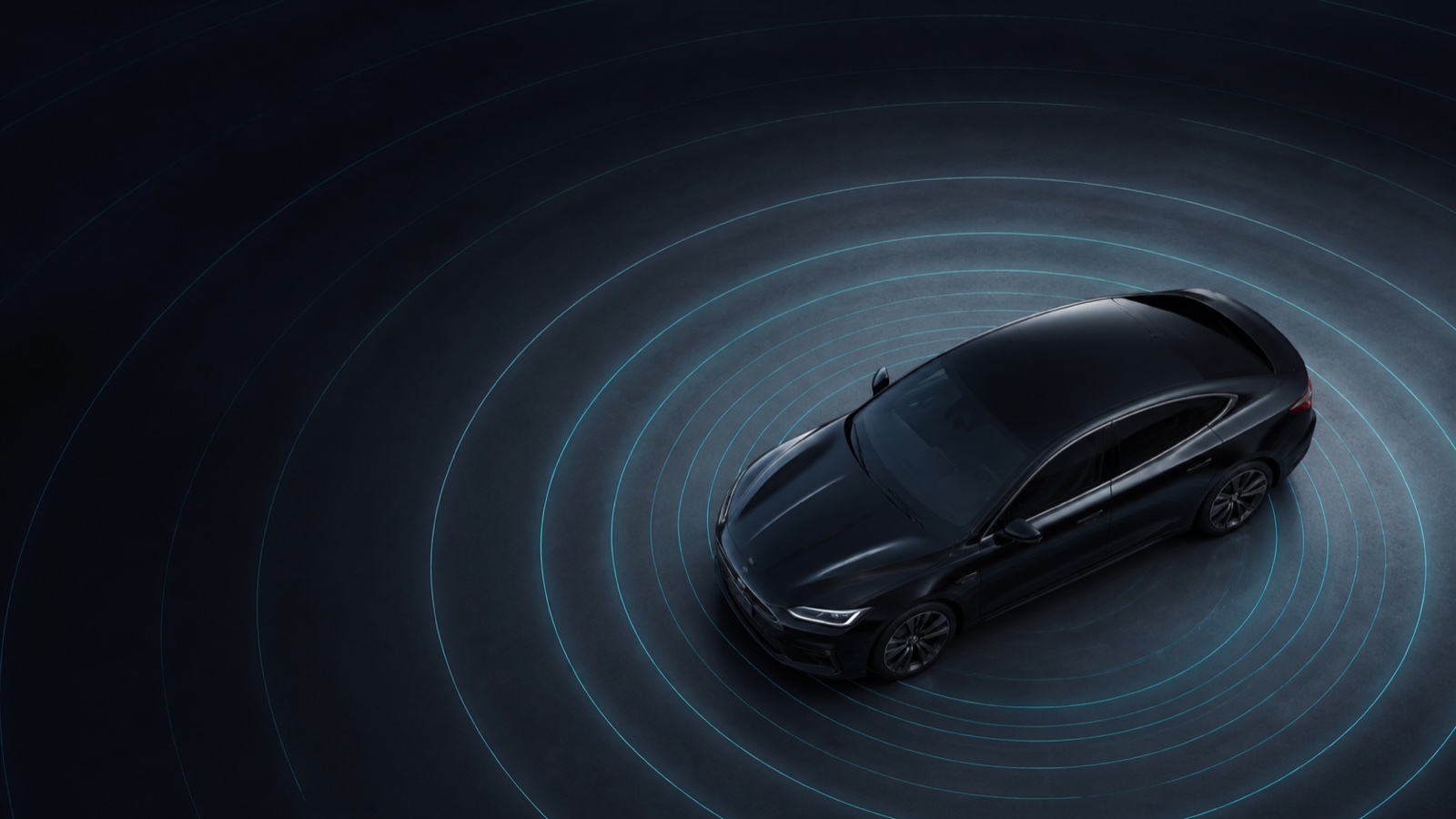
New functions listed by BYD
- Driver preferences linked to the vehicle account
- Android Auto and Apple CarPlay support in selected countries
- Voice control for switching heating or ventilation off in BYD Assistant
- Cloud-data management
Optimisations listed by BYD
- Radio-signal switching logic
- ICC deactivation conditions, allowing the function to be switched off when it is not active
- System translations
- User interface
This summary is based on BYD’s official SEAL (2022–2025) release record. It does not claim that BYD Assistant can be activated while the screen is off; that wording belongs to a different model’s release.
Step by step: prepare for an offered update
- Confirm that your vehicle belongs to the 2022–2025 SEAL generation and record its full current version.
- Park safely and read the complete 2.1.1 update prompt.
- Meet the battery and other requirements shown by the vehicle.
- Record important preferences where practical, then follow only the vehicle’s installation prompts.
- Wait for the vehicle to report completion and do not interrupt the installation unless instructed.
For the fuller workflow, use our BYD OTA update guide alongside the official manual for your vehicle. Do not install unofficial files.
Step by step: check the result
- Record the complete multimedia version after installation.
- Check phone pairing, account preferences and cloud-data settings while parked.
- Test only the functions listed in your vehicle’s own release notification.
If it fails: retain the full version and exact error message for authorised BYD support. Persistent warnings or failed installations need authorised assistance.
Manufacturer reference
Use the linked manufacturer document or page alongside the instructions supplied with your exact vehicle.
Open official source ↗