OWNER ANSWER
BYD rotating touchscreen: portrait and landscape view
The UK ATTO 2 has a rotatable centre display. While parked, use its display-rotation control to choose portrait or landscape; this guidance is for ATTO 2 rather than a universal BYD screen setting.
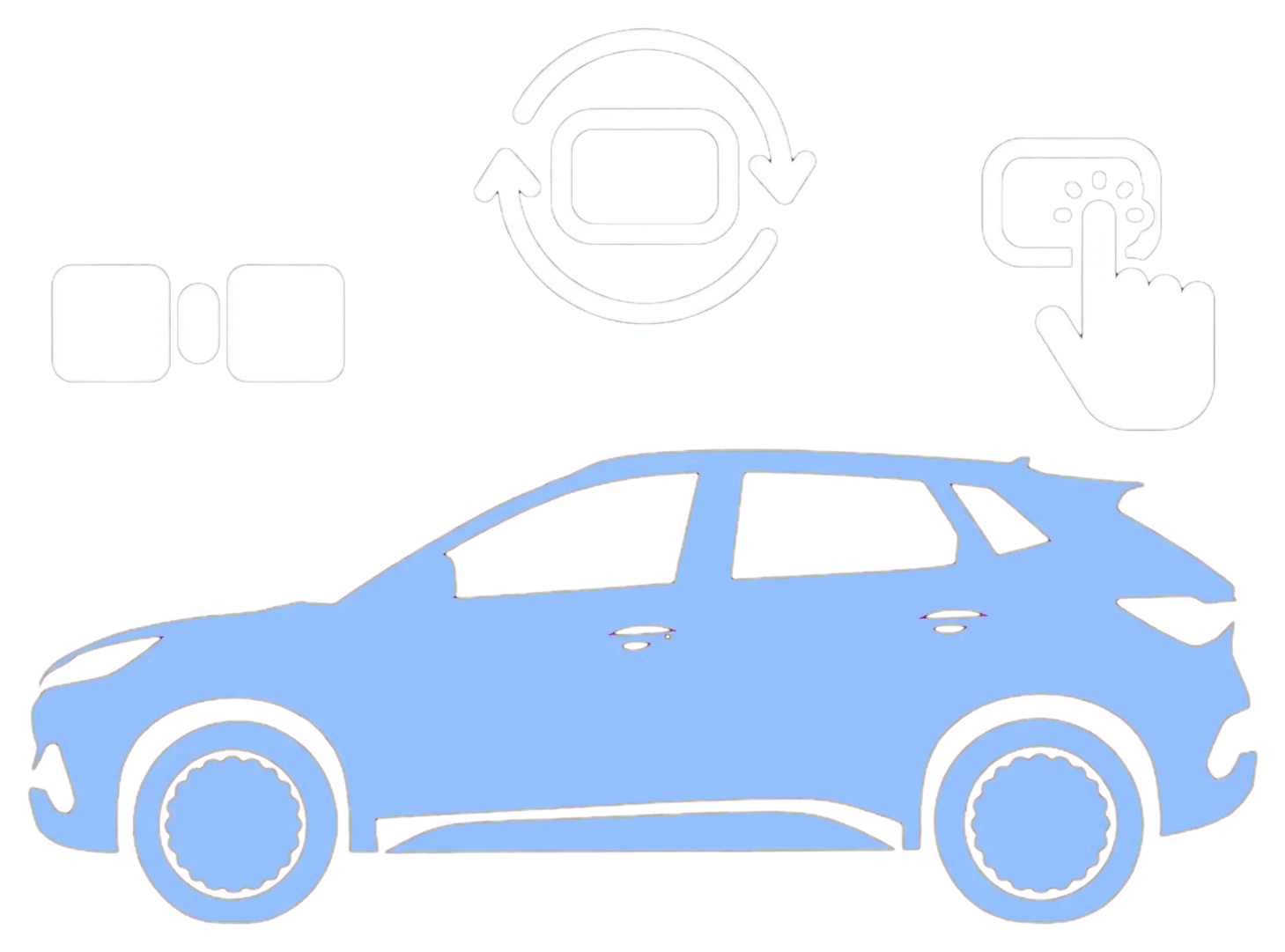
- Park before changing the screen orientation.
- Select the display-rotation control shown in your ATTO 2. Safety note: Use the powered control rather than moving the screen by hand; forcing the mechanism can damage it. Make screen adjustments while parked.
- Wait for the screen to reach the selected position.
If that did not work
If the control is missing or the screen does not respond, check your ATTO 2 handbook and ask a BYD retailer to check the rotation control for the fitted screen and software.
Related links
Source: BYD handbook. Checked 22 October 2026.