
OWNER ANSWER
Which UK BYD model suits you? Start with evidence
Start with the exact BYD you drive or are comparing, not a broad family name. UK availability changes, and a facelift, powertrain or trim can alter the equipment, battery, range and the handbook that applies. MyBYD helps you open the right owner workspace; it is not a substitute for the official UK configurator or a purchase recommendation.
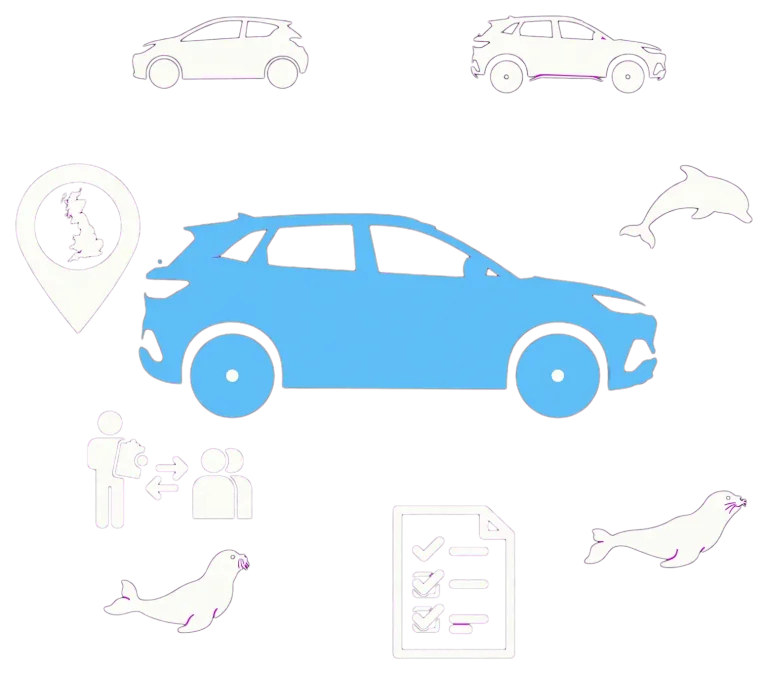
- Confirm the badge name, model year and whether the vehicle is pure electric or plug-in hybrid. Do not assume two similarly named BYDs share the same specification.
- Choose the correct MyBYD model workspace, then choose the version or trim where it is offered. The saved choice is stored on your device and does not change article URLs.
- Check the official UK model catalogue and configurator for the latest availability, specification and trim wording.
- For a manual, service or fault question, match the handbook edition and vehicle details before acting on any procedure.
What to expect
The selected model workspace, trim and handbook match the actual vehicle and powertrain. If MyBYD does not list that vehicle, use the official catalogue and handbook rather than a similar name.
If that did not work
If the generation or trim is unclear, ask the supplying retailer for the vehicle’s build details and matching handbook. If the model is not in MyBYD, use BYD UK’s official catalogue and support for that vehicle.
BYD UK current model catalogue — official source
Open source