
OWNER ANSWER
SEALION 7: turn reverse mirror tilt on or off
Open Settings → Vehicle → Comfortable Use to enable or disable side-mirror auto tilt while reversing. On equipped SEALION 7 cars, the mirrors tilt down in reverse to help show the area beside the car. This is separate from folding the mirror housings.
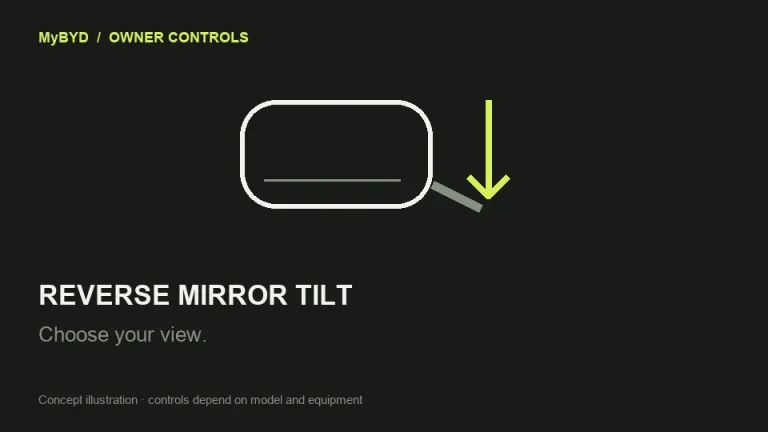
SEALION 7, RHD 07.2024 EN_V0; equipment as fitted. Menu wording can change with software.
- With the car stationary, adjust the normal mirror view using the left/right selection and direction controls. Safety note: Keep the car stationary for this comparison and use direct observation as well as mirrors when manoeuvring. Do not rely on the dipped view to show every obstacle.
- Open Settings → Vehicle → Comfortable Use and find auto tilt while reversing. Enable it if you want the downward view, or disable it if you prefer the normal mirror angle.
- In a clear place, with your foot firmly on the brake and the car held stationary, select R briefly and observe the mirrors. Return to P after the check.
What success looks like
With the function enabled and fitted, the mirrors tilt down in reverse. With it disabled, selecting reverse should not request the automatic downward tilt.
If that did not work
If the option is absent, match the handbook and equipment for your car before assuming a fault. If it is present but nothing moves, compare normal electrical mirror adjustment. Tell BYD whether both mirrors adjust normally and whether one or both fail only in reverse. Ask them to check the reverse-tilt setting and mirror control. The cited handbook provides an on/off control, not a procedure for saving a custom reverse angle.
Useful next steps
BYD SEALION 7 RHD 07.2024 EN_V0 handbook, PDF pages 72. Checked 13 November 2026.
Open source (BYD UK)