
OWNER ANSWER
SEAL cruise speed does not follow road signs: ISLC explained
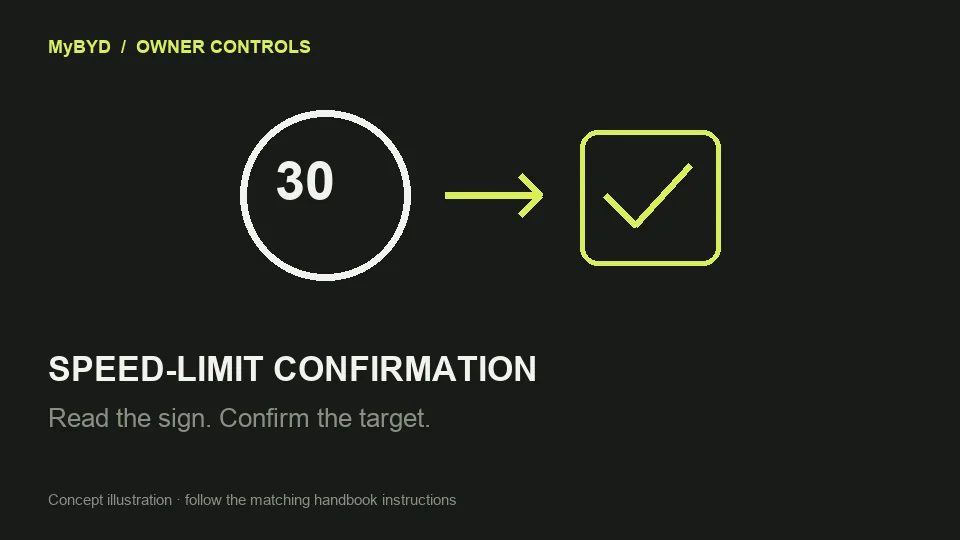
The original SEAL asks you to confirm a recognised speed limit before applying it to cruise control. With ACC and Intelligent Speed Limit Control enabled, roll the ACC speed-control rocker down when the confirmation prompt appears. A displayed road sign by itself does not change the cruise target.
Original SEAL RHD EN-250305; not the 2026 facelift. Controls and equipment must match your car.
- While parked, open Settings → ADAS → Driving Assist → TSR → ISLC in the cited handbook’s interface. Enable traffic-sign recognition (TSR) before ISLC; the ISLC control is unavailable when TSR is off. Menu grouping may differ with software, so use the named ISLC function and its on-screen explanation.
- Use ACC only where its normal operating conditions are suitable. ISLC needs ACC to be active; it is not a separate speed limiter for ordinary manual driving.
- When a recognised limit differs from the ACC target, look for the confirmation prompt. Confirm only if the proposed speed matches the actual road limit and conditions. Safety note: Keep control of speed yourself and reject a wrong reading; sign recognition can be wrong or late.
- Roll the ACC speed-control rocker down while that prompt is shown to accept it. Check the displayed cruise target rather than assuming a speed-limit sign alone has changed it.
What success looks like
After confirmation, the displayed cruise target changes to the accepted limit. The handbook describes a prompt-and-confirm operation, not automatic acceptance of every sign.
If that did not work
If no prompt appears, check that ACC, TSR and ISLC are all active. If the road sign itself is missing or wrong on the display, treat that as a recognition issue and control speed normally; do not accept an incorrect suggestion. If the sign is correct but no prompt appears during otherwise suitable normal use, ask BYD to check ISLC availability and settings for your full software version. Report whether the sign, prompt or accepted target is the stage that fails. The handbook specifies an ISLC operating range of 20–95 mph, subject to the road’s legal limit and conditions.
Useful next steps
BYD Original SEAL RHD EN-250305; not the 2026 facelift handbook, PDF pages 127, 128. Checked 13 November 2026.
Open source (BYD UK)