
PRACTICAL GUIDE
BYD DOLPHIN setup video: official owner starting points
Start with BYD UK’s official DOLPHIN set-up guide for a tour of the key controls, charging information, phone connection and everyday settings. Use the exact handbook for your vehicle when you need a procedure, warning or model-year-specific detail.
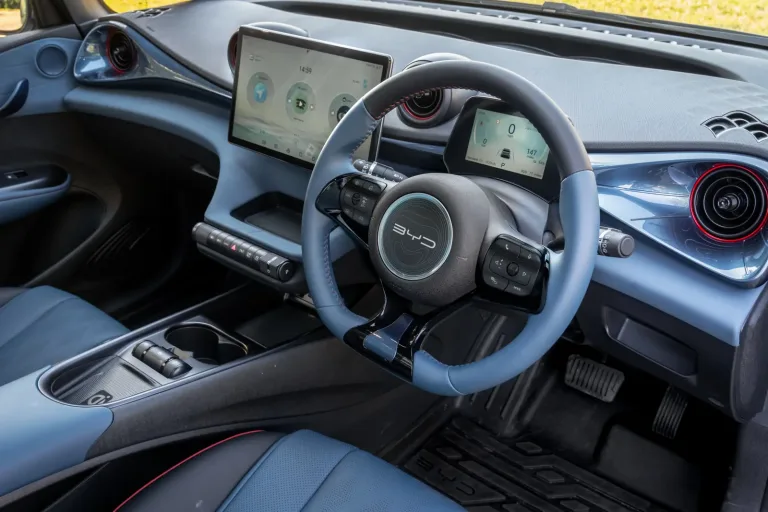
- Open BYD UK’s official DOLPHIN set-up video and use the chapter list to jump to the topic you need.
- For a procedure, warning or setting that affects driving or safety, confirm the wording in the right-hand-drive DOLPHIN owner’s manual for your vehicle.
- Use MyBYD’s model-filtered answers for practical context, but keep the official handbook as the authority when they differ.
What to expect
The selected chapter demonstrates the topic you need and its controls match your DOLPHIN and handbook. A video for a different edition is a reference, not authority to copy a different control sequence.
If that did not work
If the video controls differ or the chapter does not answer the question, use the matching DOLPHIN handbook and model-specific answer. Ask BYD for the instruction for your edition if those still do not match.
BYD UK — DOLPHIN: Your Complete Set Up Guide
Open sourceRight-hand-drive DOLPHIN controls pictured; details can vary by model year and software. Images courtesy of BYD UK.