
OWNER ANSWER
DOLPHIN SURF: find ODO/TRIP and reset a trip counter
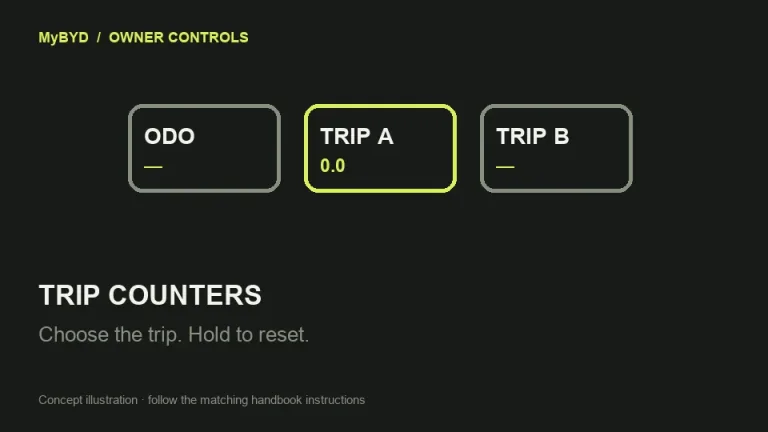
Press the ODO/TRIP button at the end of the right-hand control stalk to choose Trip A or Trip B. Hold the button while that trip is selected to reset its distance. A short press changes the display instead.
DOLPHIN SURF RHD 07.2024 EN_V0. Controls and equipment must match your car.
- With the car stopped, find the ODO/TRIP button on the end of the right-hand stalk beside the steering wheel.
- Press briefly until the display shows the trip you want: the sequence is ODO, TRIP A, TRIP B, then ODO again.
- If you want to keep the current trip distance, note it before resetting. Press and hold the button with TRIP A or TRIP B selected.
- Release when the selected trip shows zero. Use short presses to return to the display you want.
What success looks like
The selected trip counter reads zero. ODO is the total-distance display; use Trip A or Trip B for a journey measurement.
If that did not work
If the display cycles instead of resetting, select the trip again and hold rather than tap. If no display changes, check that you are using the ODO/TRIP button shown on PDF page 66 of the matching SURF handbook. If the correct button still does not respond, tell BYD whether short presses, holding or both fail and ask for the stalk input and instrument display to be checked.
Useful next steps
BYD DOLPHIN SURF RHD 07.2024 EN_V0 handbook, PDF pages 66. Checked 13 November 2026.
Open source (BYD UK)