
OWNER ANSWER
DOLPHIN SURF remote climate control not working
For SURF remote-climate failure, check that the app shows your car and a current online vehicle status. Both the phone and vehicle need internet for remote controls; then try one normal climate request.
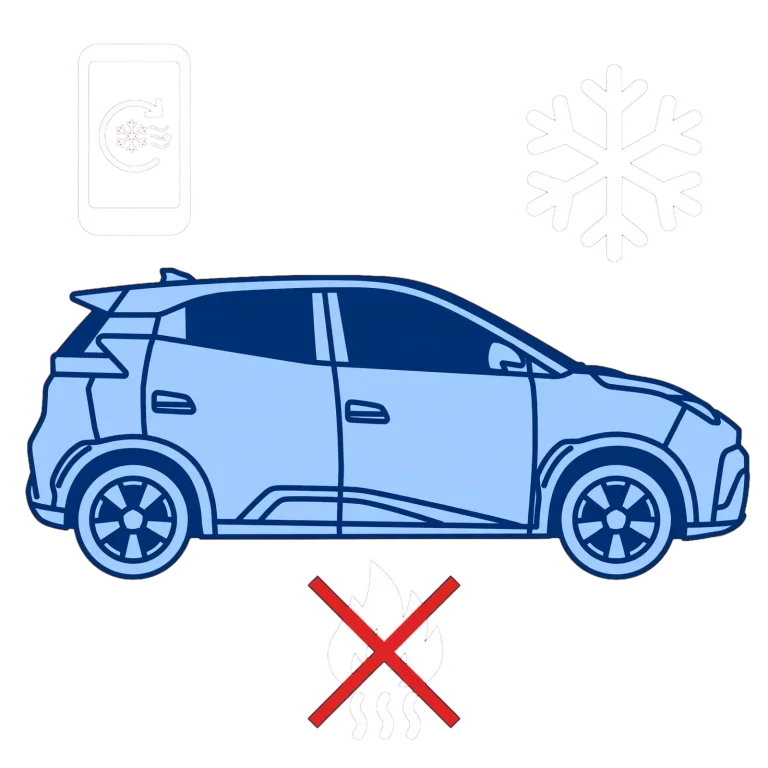
- Check phone internet and sign in to the registered BYD account. Safety note: Keep the car stopped if misting prevents a clear view; remote app retries will not restore safe visibility. Use official support rather than battery disconnection or unofficial apps.
- Select your SURF by tapping the vehicle name at the top left if the account holds more than one car, then refresh its status.
- Read its last-updated time, offline indication and any refusal message.
- Wait for OTA completion and normal operation before sending a command.
- Use the A/C on/off control on the app home page. Open the A/C card to set the temperature, then check that the app reports A/C operating and the cabin actually responds.
- Compare ordinary cabin controls while parked if remote control fails.
What to expect
The app refreshes the correct car’s status and the remote-climate request is accepted, with climate actually operating. Cabin controls working while remote commands fail identifies a different support route from climate failing inside the car.
If that did not work
If the car is missing, ask BYD to check the registered account and purchase region. If cabin controls work but remote requests repeatedly fail, ask BYD to check the connected service and account. If cabin climate also fails, arrange a vehicle climate check.
What to note down if you need support: exact response and request time, app/vehicle versions, phone model and whether cabin climate works. Keep passwords, codes and ownership documents private.
If the car is missing, check that the app country/region is the country where you bought it and that the account uses the email registered by the dealer. Ask BYD to correct the binding if those details do not match. A nearby Bluetooth key can still work without internet, so that alone does not prove remote A/C has a working cloud connection.
What the result tells you
An old battery value can be stale rather than proof the car is online. Bluetooth-key operation is separate from internet remote controls. Battery and vehicle-state conditions come from the current refusal message.
Related links
Source: DOLPHIN SURF handbook (BYD UK) — DOLPHIN SURF RHD handbook, separate from DOLPHIN; PDF pages 137–138. Checked 22 October 2026.
Sources for these checks, reviewed 13 November 2026: Official handbook, PDF page 137 (BYD UK) · Official handbook, PDF page 138 (BYD UK).