OWNER ANSWER
DOLPHIN fan or compressor noise while charging: is it normal?
Why a BYD DOLPHIN may run cooling fans or a compressor while charging, with clear warning signs.
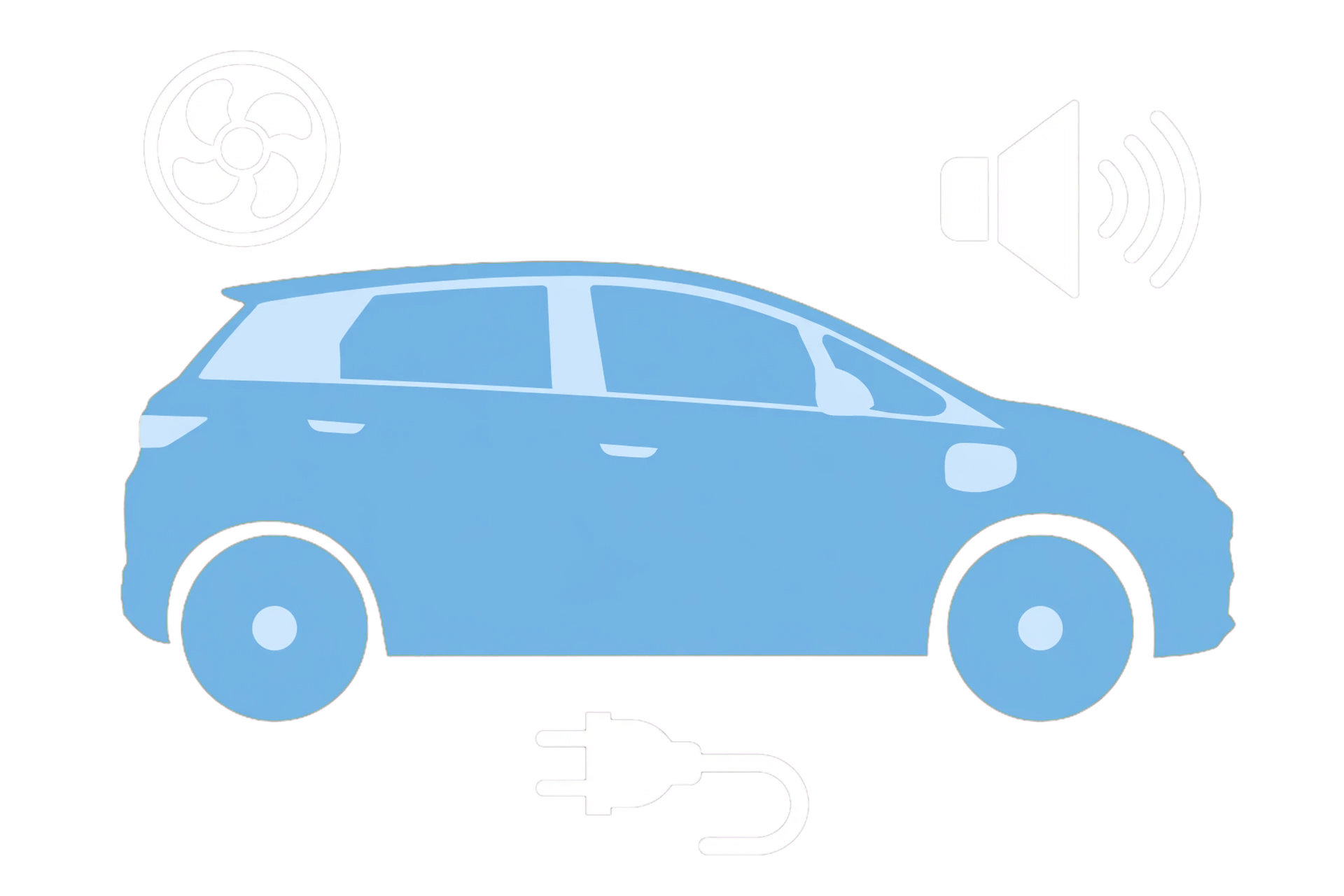
A fan or compressor can operate as the DOLPHIN manages battery temperature during charging. First check for warnings or danger; do not assume every noise is normal. This guide explains the checked handbook’s limited reassurance and how to record a concern safely, not how to inspect or repair cooling equipment.
- Check for warnings or danger before treating a sound as normal. Move away from smoke, arcing, burning smells or other immediate hazards; get appropriate emergency help.
- If safe, observe the car and charger messages from outside. Do not touch charging equipment, reach near fans or open covers to locate a noise.
- For an otherwise normal session with no warnings, note the sound and its timing without approaching moving parts. A recording is optional, only from a safe position.
- Record state of charge, AC/DC type, outside temperature and whether there are charging interruptions or other symptoms. Do not recreate a fault to obtain evidence.
- Report a new, persistent or concerning sound to an authorised BYD repairer. If charging also fails, use the safe charging checklist below rather than assuming cooling is the only cause.
Step-by-step sound check
• Check for warnings or danger before treating a sound as normal. Move away from smoke, arcing, burning smells or other immediate hazards; get appropriate emergency help. • If safe, observe the car and charger messages from outside. Do not touch charging equipment, reach near fans or open covers to locate a noise. • For an otherwise normal session with no warnings, note the sound and its timing without approaching moving parts. A recording is optional, only from a safe position. • Record state of charge, AC/DC type, outside temperature and whether there are charging interruptions or other symptoms. Do not recreate a fault to obtain evidence. • Report a new, persistent or concerning sound to an authorised BYD repairer. If charging also fails, use the safe charging checklist below rather than assuming cooling is the only cause.
What the pattern suggests
The checked DOLPHIN handbook says battery cooling can run during charging, including a compressor and fan, and some under-bonnet noise is normal when that system operates. It also notes that thermal-control operation may temporarily affect displayed charging power. That does not certify any particular sound as harmless. This page gives no universal loudness limit or after-charging run-on time. New grinding, impact sounds, warnings or other concerning symptoms need assessment rather than reassurance based only on this description.
Stop the session when necessary
Do not approach a hot or damaged connector, smoke or arcing to operate a control or obtain a recording. Move clear and get appropriate emergency help for immediate danger. If a normal safe stop is possible, follow the operator’s instructions; otherwise contact the operator or assistance from a safe place. Never put hands near fans or open high-voltage equipment.
If the car also stops charging
Do not assume the noise proves a cooling fault or that the charger is safe. Use the DOLPHIN first-check guide for warning boundaries and support details: https://www.mybyd.co.uk/byd-dolphin-charging-not-starting/ . The comparison and reporting steps here are MyBYD editorial guidance, not a sound-based diagnosis.
BYD DOLPHIN handbook · 7.2025 EN_V2 · charging noise PDF 81; safety PDF 79–83
Open source