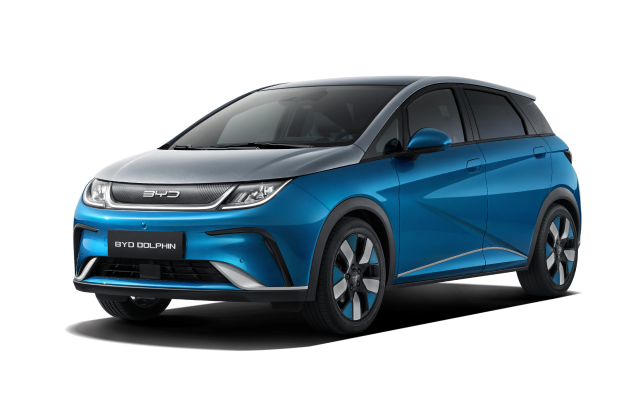
Read the exact message
Before unplugging anything, photograph the vehicle or charge-point message. Note whether this is AC home charging, a public AC post or rapid DC charging and whether the same equipment has worked before.
Safe checks at the connector
- End the charging session using the vehicle or charge-point control.
- Check the plug, cable and vehicle port for visible damage, moisture, dirt or foreign material.
- Reconnect fully only when the equipment is clean, dry and undamaged.
- Check whether a charging reservation or AC current limit is delaying or restricting the session.
Isolate the source of the problem
If practical, try another known-working compatible charge point. If the DOLPHIN charges elsewhere, contact the original charge-point operator or installer. If several suitable chargers fail, the vehicle needs checking.
Do not improvise around a fault
Do not use an extension lead, damaged adaptor or unofficial workaround. For repeated vehicle fault messages, a connector that will not latch, or charging that repeatedly stops, contact BYD Assistance or an authorised BYD repairer and provide the photos, location, charger type and vehicle software version.
Use the linked manufacturer document or page alongside the instructions supplied with your exact vehicle.
Open official source ↗