OWNER ANSWER
DOLPHIN charging slows near full or takes longer than expected
DOLPHIN charging can slow near completion while the battery equalises, and heating or cooling can change the displayed power. Check that energy is still flowing and that the session has not simply paused or ended at a selected target.
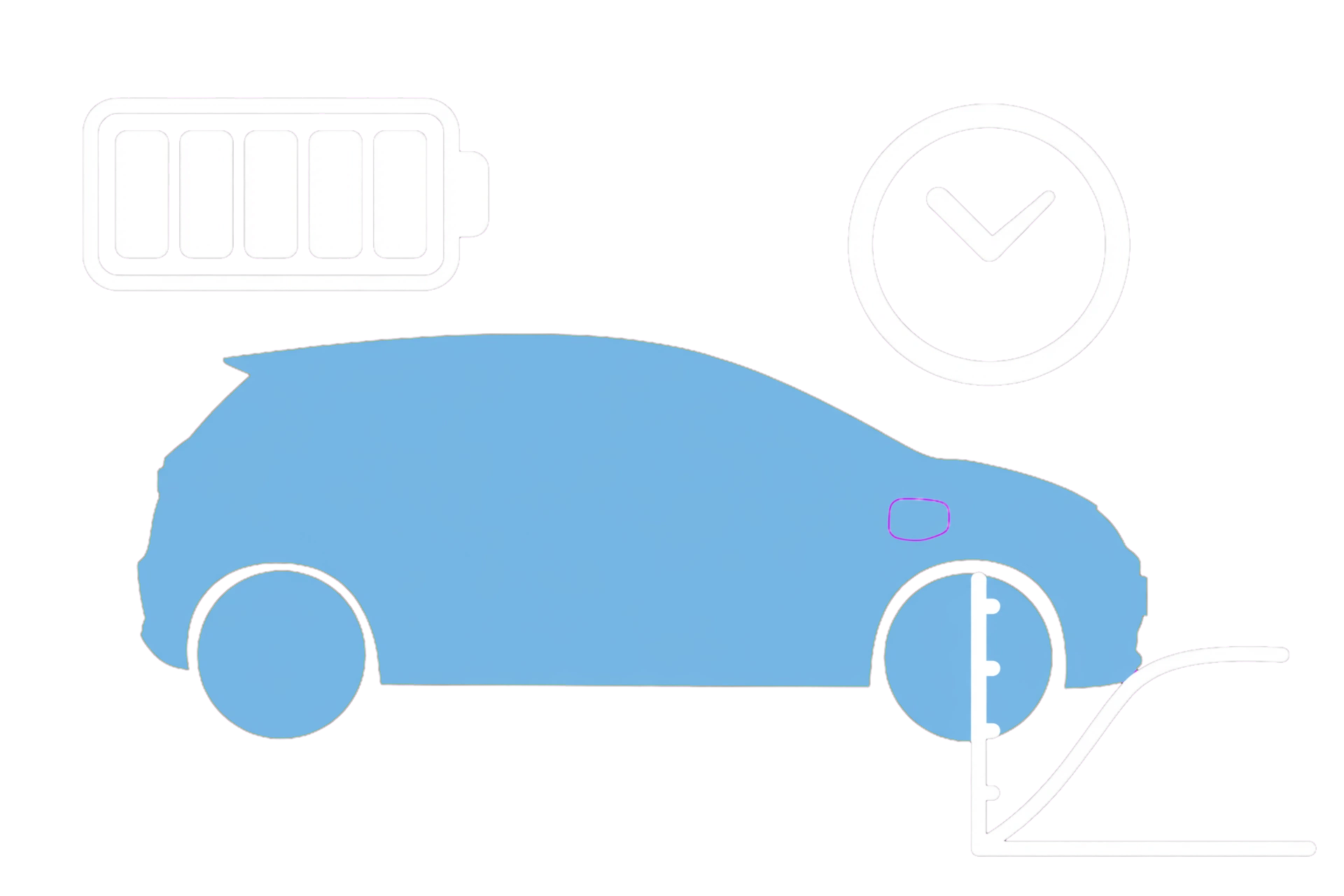
- Read the car’s charge state and the charger’s current status.
- Check the selected battery target and smart schedule. Safety note: If a plug is damaged, unusually hot, smells burnt or shows smoke or arcing, stop using it and keep clear. Repeated electrical trips need the installer; reconnecting can worsen an electrical fault.
- Compare delivered energy over time rather than one fluctuating power reading.
- Allow a near-full session to complete normally if there is no fault message.
Why the last part takes longer
Battery equalisation near full charge and temperature control can extend the final stage. That explanation does not apply automatically to a session that has stopped at an arbitrary lower target.
If that did not work
If the session has ended unexpectedly or shows a fault, ask the operator to check its termination reason. For repeated failures across suitable equipment, ask BYD to check the charging and temperature-management logs.
What to note down for support: Include the percentage where it slowed or stopped, actual energy delivered, target and both status messages.
Related links
Source: DOLPHIN handbook — PDF 81–82, PDF 79–83. Checked 22 October 2026.