
OWNER ANSWER
Original BYD ATTO 3 cruise control: which button does what?
The cruise switch to the right of the rocker operates Adaptive Cruise Control (ACC), which controls speed and following distance. The button to the left operates Intelligent Cruise Control (ICC), which adds lane centring when the system can read the lane. If the ICC indicator turns grey when lane markings disappear, ACC can still be controlling your speed.
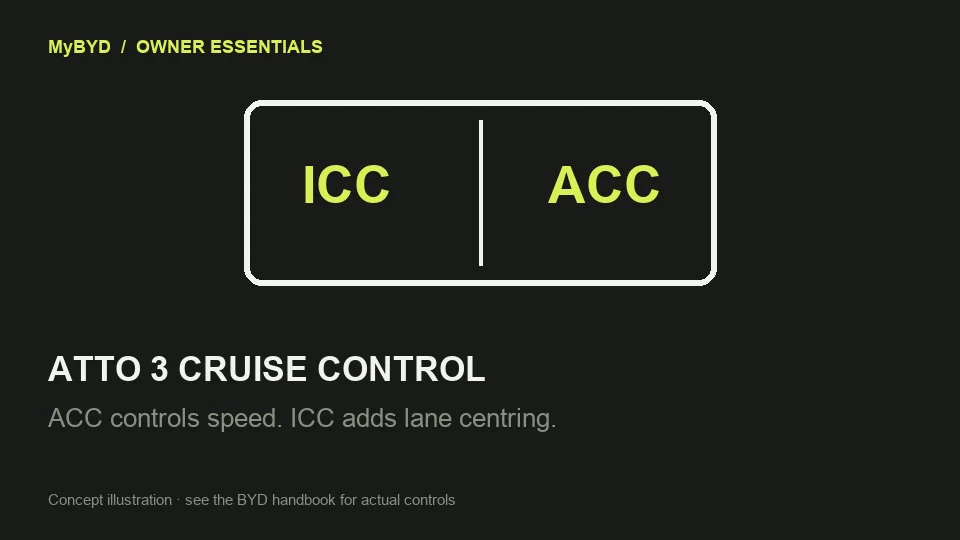
This applies to the original ATTO 3 with the steering wheel shown in BYD’s 2024 right-hand-drive handbook, edition EN-240801. Check your own handbook if the controls differ or you have an ATTO 3 EVO.
- While parked, compare the left-hand steering-wheel controls with the handbook diagram. Find the ICC button on the left of the rocker and the cruise switch on the right. The rocker changes the target speed when cruise is active. Pushing it up in standby can recall the last target during the same ignition cycle.
- For speed and following-distance assistance alone, start with ICC switched off. The handbook shows the ICC setting under **ADAS → Intelligent Driving**. Switch it off in Park if it is already enabled. Then use the cruise switch to operate ACC when conditions allow.
- If you use ICC, use the cluster’s separate ACC and ICC indicators to tell which assistance is active. The handbook explains that when lane markings are unavailable, the ICC indicator can go grey while ACC continues.
- To leave active ACC, the handbook describes pressing the cruise switch again or using the brake pedal. ACC returns to standby. Pressing the accelerator briefly can override ACC, and the set speed can return when you release the pedal.
What success looks like
With ACC active and ICC off, the cluster shows active speed assistance without active lane centring. After you cancel active ACC, its cluster indication returns to standby.
If that did not work
BYD’s January 2026 release notes for original ATTO 3 V2.1.0 (13.1.32.251023.1) say ICC can be switched off even when inactive. Check the installed version when comparing button behaviour with another car. If the controls repeatedly respond differently from your handbook or a fault indicator appears, leave cruise assistance off. Once parked, note which button you pressed, which indicators were active beforehand and the software version. Ask BYD to check the steering-wheel switch inputs and the driver-assistance system for faults. Owners of the Australian 2025 ATTO 3 have reported different results from the same button depending on whether ICC was actively centring the car. The reports do not establish a UK button sequence or explain a persistent failure to cancel.
Safety note: Keep your hands on the wheel and take over steering and speed whenever needed. If assistance does not respond as expected, drive manually and pull over safely before checking menus.
Useful next steps
BYD ATTO 3 (2024) RHD handbook EN-240801, printed pages 60–61 and 113–118. Checked 13 November 2026.
Open source (BYD UK)BYD original ATTO 3 software release archive, V2.1.0. Checked 13 November 2026.
Open source