OWNER ANSWER
How to use a public EV charger with your BYD
Choose a compatible public connector, start the session using the operator’s payment or authorisation method, and check that energy is flowing. Some AC posts need your own cable; rapid chargers normally provide the cable for their connector.
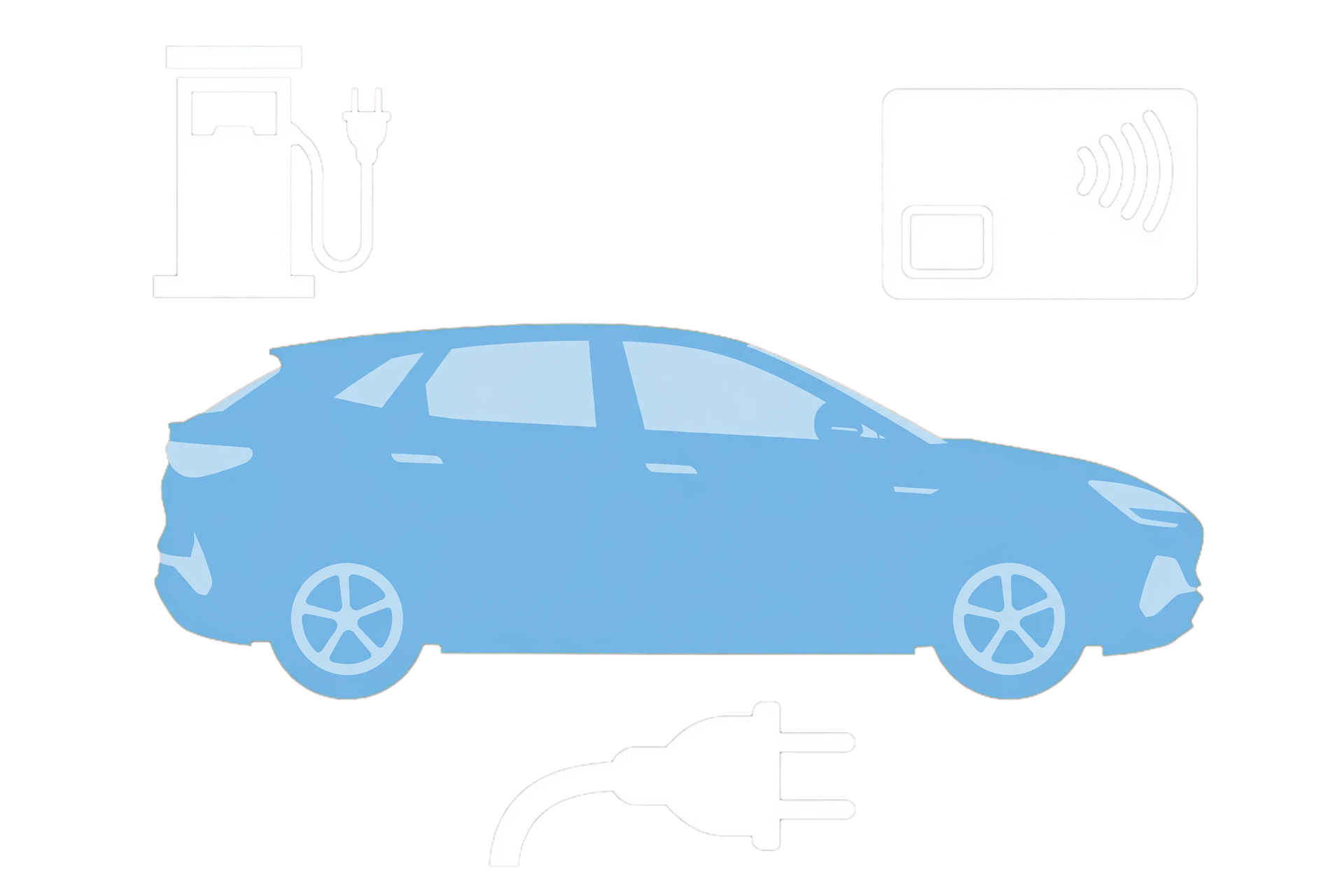
- Check the site’s connector, access and payment instructions before parking.
- Use the compatible cable without straining it. Safety note: If a plug is damaged, unusually hot, smells burnt or shows smoke or arcing, stop using it and keep clear. Repeated electrical trips need the installer; reconnecting can worsen an electrical fault.
- Authorise using the required app, RFID card or payment card.
- Check the charger and car both confirm an active session.
- When ready, stop through the provider’s method, unlock and remove the connector normally.
It says connected, but is it charging?
Look for active power or increasing delivered energy. A payment request, waiting state, timer or target reached is different from an active charge.
If that did not work
For payment or post errors, call the charge-point operator using the post ID. For a plug that stays locked after the session ends, use your model’s release guide; a repeating vehicle charging warning needs BYD.
Related links
Source: BYD UK public EV charging guide. Checked 22 October 2026.