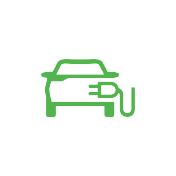
Discharge indicator
What it means
The external-discharge symbol relates to the SEAL's vehicle-to-load function, which supplies power through the discharge equipment. The handbook says discharge information appears on the instrument cluster after connection; this is not the low-battery warning.
What to do
Follow this edition's V2L equipment checks and discharge procedure. Check charge level and remaining driving range before use. Stop discharge immediately if there is an abnormal smell or smoke, and never touch metal terminals during discharge. To finish normally, disconnect the load, then remove the connector with the vehicle unlocked and close the port.
Handbook-based owner explanation, not a verbatim quotation. Check the accompanying instrument-panel message.Meaning and response handbook-checkedBYD SEAL · RHD EN-250305BYD handbook · PDF p. 37, p. 91, p. 92, p. 93