OWNER ANSWER
SEALION 7 says key not detected
SEALION 7 key-fob, Digital Key and NFC checks, including interference, backup detection and when to contact BYD Assistance.
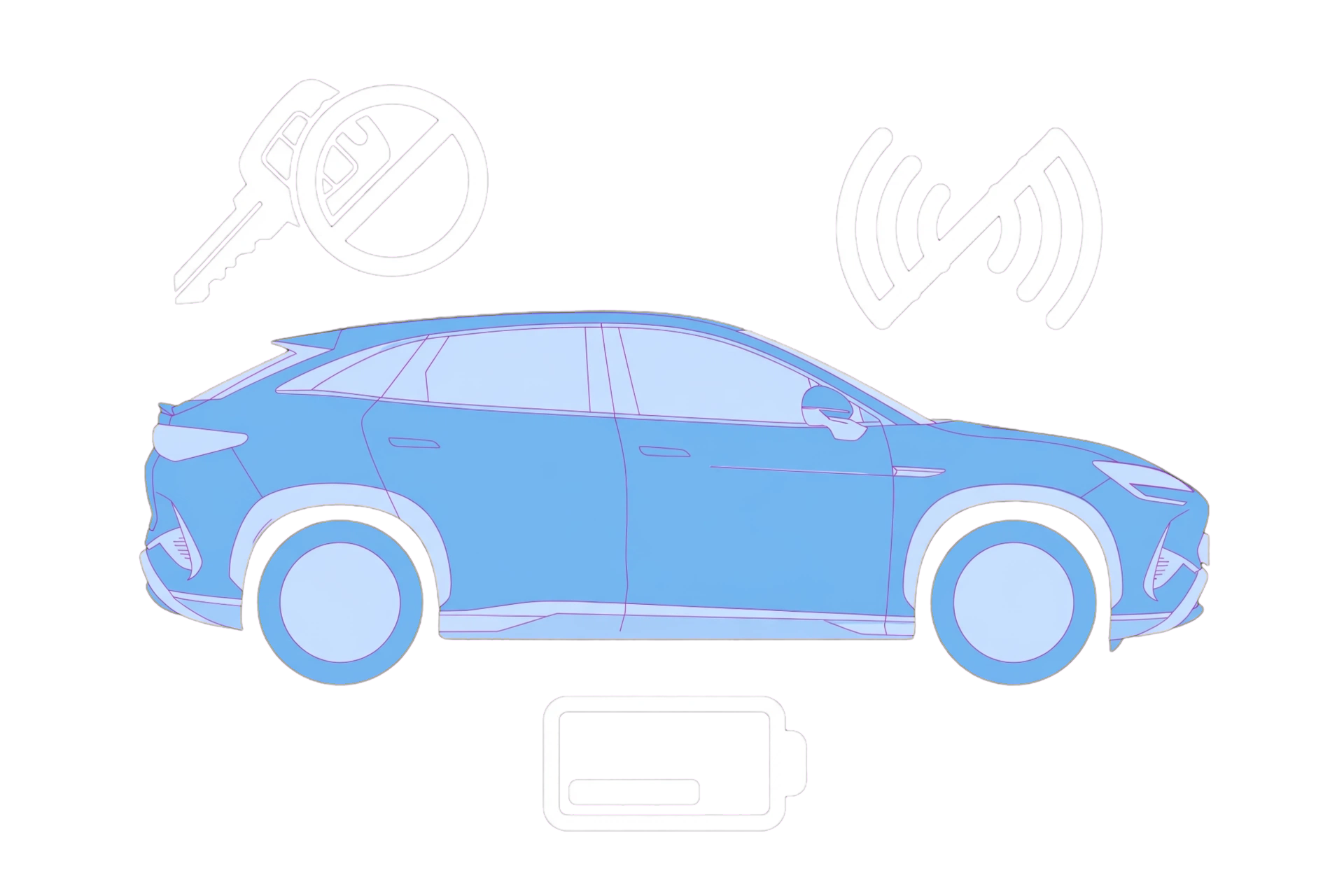
SEALION 7 key-fob, Digital Key and NFC checks, including interference, backup detection and when to contact BYD Assistance.
- Move the key away from phones, metal cases and other radio devices.
- Try the spare key if available.
- Place the key at the backup detection position shown in the exact SEALION 7 manual.
- If the fob buttons are weak or intermittent, a battery problem is possible, not proven. The reviewed SEALION 7 handbook recommends a BYD authorised dealer or service provider for smart-key battery change.
What if my car will not unlock?
First separate a failed fob unlock button, front-door microswitch and an already-configured phone or NFC key if supported. Try a supplied spare and keep the fob away from phones, metal cases and other signal-emitting equipment. The SEALION 7 handbook lists interference and an exhausted fob battery as possible causes; a working spare does not prove a battery-only fault. It recommends a BYD authorised dealer or service provider for battery change. If electronic access fails, the handbook provides mechanical entry through the driver’s door, with a specific hidden-handle method. Use the entry answer below and both diagrams. Entry does not establish that the vehicle can start. If no authorised method works or the car is unresponsive, seek assistance rather than forcing the handle or disconnecting the vehicle battery.
How can the mechanical key open the driver’s door?
Check that your SEALION 7 fob and hidden handle match the linked handbook before acting. PDF pages 48-49, printed pages 47-48, show sliding the fob’s lock-up button and pushing its back cover in the illustrated direction to retrieve the mechanical key. This is not the PUSH-release method used by some other models. PDF pages 51-52, printed pages 50-51, show pushing the right side of the hidden door handle so the left side protrudes enough to hold, then pulling the middle outward to extend it. Insert the key into the driver-door lock and turn counterclockwise to unlock. Remove the key and pull the handle to open. Read both complete diagrams first; do not force a non-matching handle or lock. Starting is a separate question once inside.
Try the authorised key carefully
• Move the key away from phones, metal cases and other radio devices. • Try the spare key if available. • Place the key at the backup detection position shown in the exact SEALION 7 manual. • If the fob buttons are weak or intermittent, a battery problem is possible, not proven. The reviewed SEALION 7 handbook recommends a BYD authorised dealer or service provider for smart-key battery change.
For phone key or NFC
Confirm the phone and vehicle are eligible, the BYD app account is correctly bound and NFC is being presented at the position shown in the manual. Do not delete every key method at once.
If the warning remains
Record which methods work, the exact message and vehicle software version. If both physical keys fail or the car is unresponsive, use BYD Assistance rather than forcing handles or repeatedly attempting to start.
BYD UK official source
Open sourceBYD SEALION 7 RHD handbook - keys and hidden-handle entry, printed pp. 46-51 / PDF pp. 47-52 - reviewed 15 October 2026
Open source