OWNER ANSWER
BYD SEALION 7 app not connecting or weak network: TBOX checks
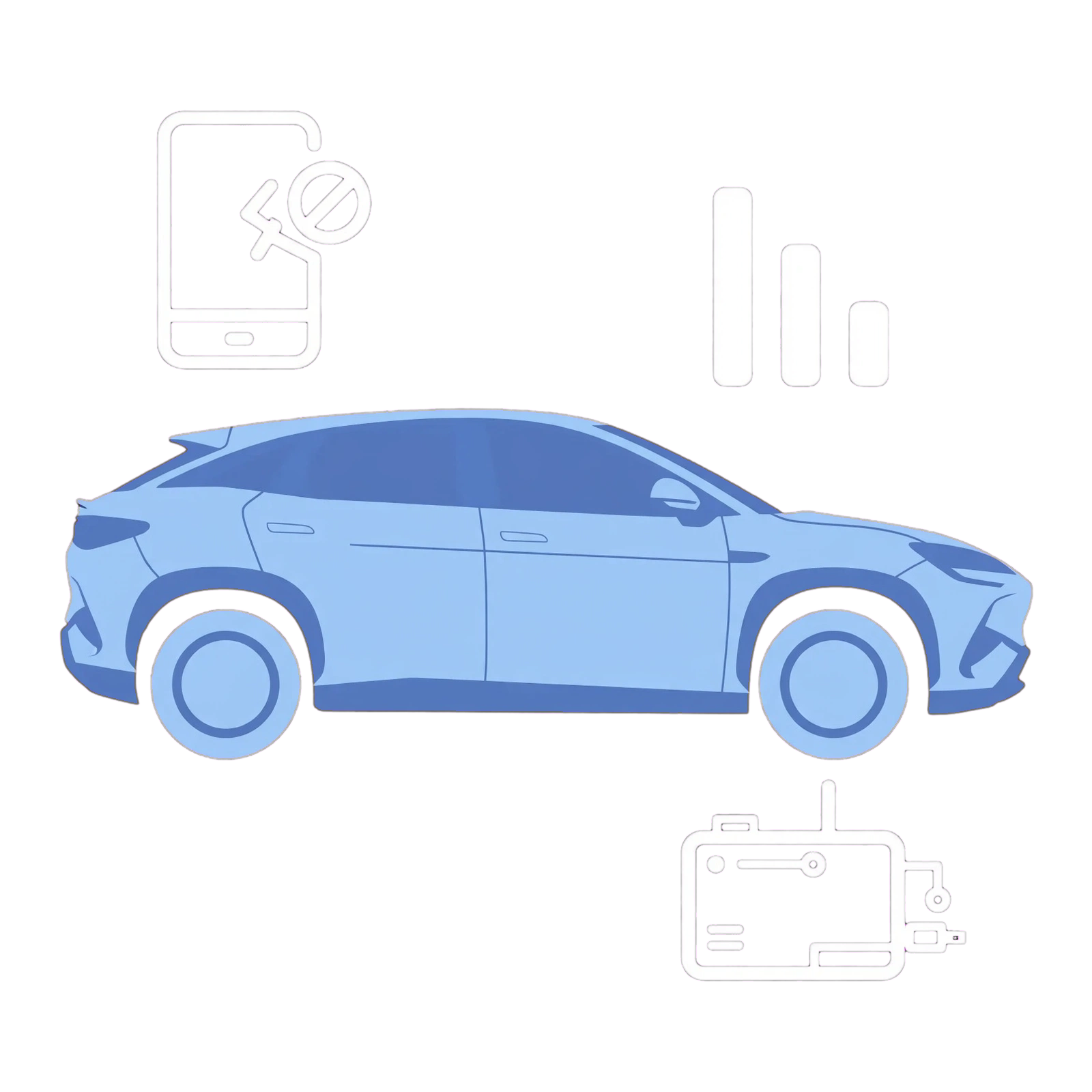
For a SEALION 7 app showing old data or weak network, compare the phone’s connection with an online service in the parked car. If the phone works but several native car services fail, ask BYD to check the vehicle connection rather than repeatedly reinstalling the app.
- Open a normal website on the phone.
- For a connection comparison, temporarily turn off any VPN and restore your usual choice afterwards.
- Check the BYD app’s account and last vehicle-update time.
- Wake the parked car normally and test a native online service.
- Compare the car’s mobile-signal indication with the app result.
What does the comparison show?
A phone-only failure points towards its connection or app. Several failed in-car services point towards vehicle data or account activation. A weak-network message alone does not diagnose a faulty TBOX.
If that did not work
For persistent car-side failures, ask BYD to check connected-service activation, mobile connectivity and TBOX fault history for your software. If only one app fails, start with that app’s support.
What to note down for support: Give the exact warning, times, area, last refresh and full multimedia/software version privately to support.
Related links
Source: byd.com: owners manual · BYD app and connected services FAQ. Checked 22 October 2026.