OWNER ANSWER
SEAL remote climate control not working in the BYD app
For SEAL remote-climate failure, refresh the correct vehicle in the app and check phone and vehicle connectivity. Compare cabin climate while parked to separate an app failure from a heating or cooling fault.
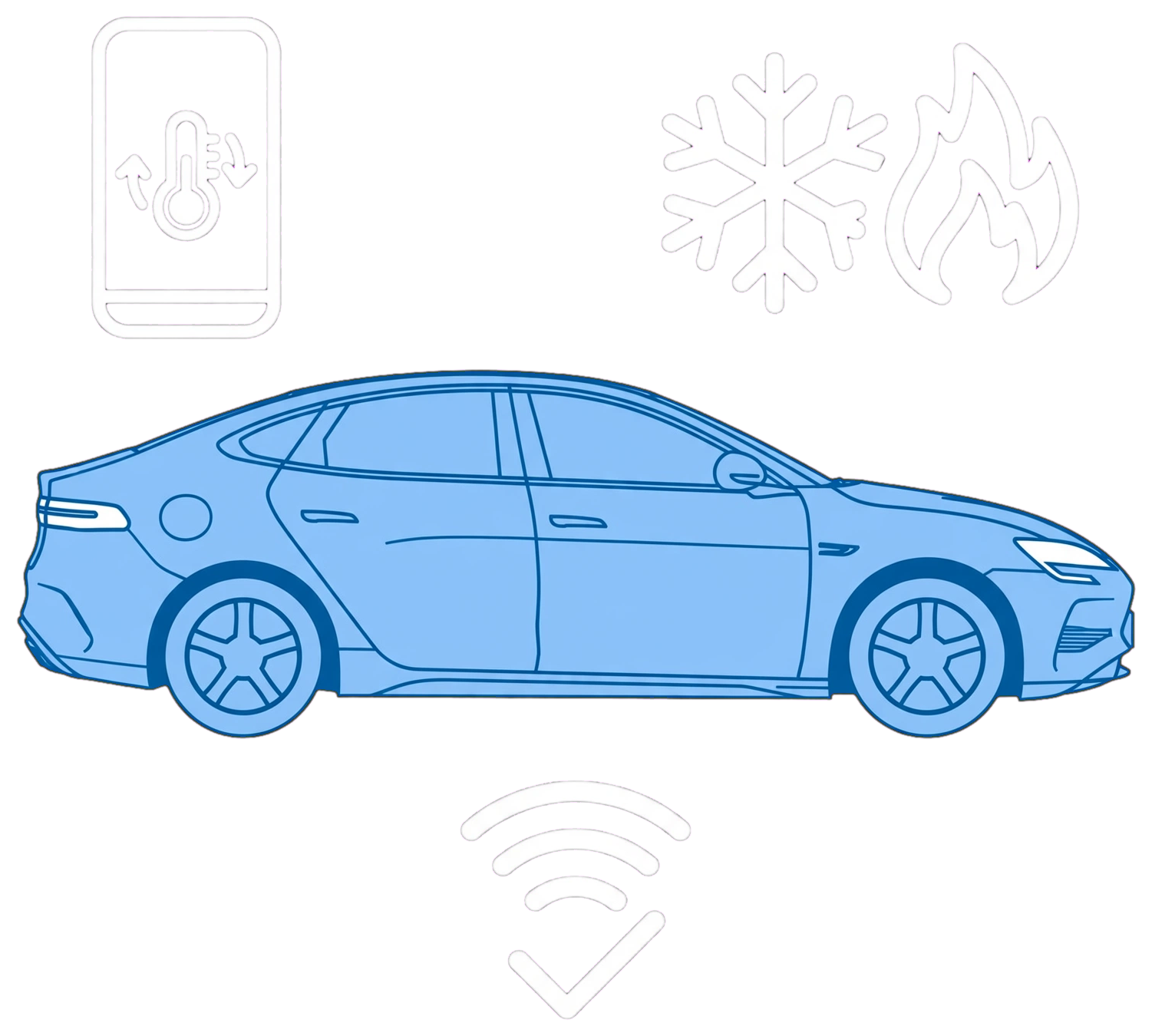
- Refresh the selected SEAL’s status once. Safety note: Stay stopped if misting obscures visibility. Avoid account troubleshooting during an OTA or relying on the phone under test as the only key, because you could interrupt the update or lose access.
- Check phone mobile data and vehicle connectivity.
- Close doors, windows, boot and bonnet fully.
- Check the battery state and current app refusal conditions.
- Wait until an OTA has completed and normal operation has returned.
- If refresh still fails, confirm you can sign back in before signing out.
What the result tells you
Repeatedly successful cabin climate with failed remote commands points to the app/service path. A climate warning or failure inside the car calls for a vehicle check.
If that did not work
Contact BYD app support for repeated cloud-command failure. Ask an authorised repairer to investigate cabin heating or demisting failure. Keep a separate authorised key available while testing the phone account.
What to note down if you need support: time, exact error, app and vehicle versions, phone model and current status. Include whether the cabin controls work.
Related links
Source: BYD source · SEAL handbook — original SEAL March 2025 RHD EN-250305; later facelift controls separately matched. Checked 22 October 2026.