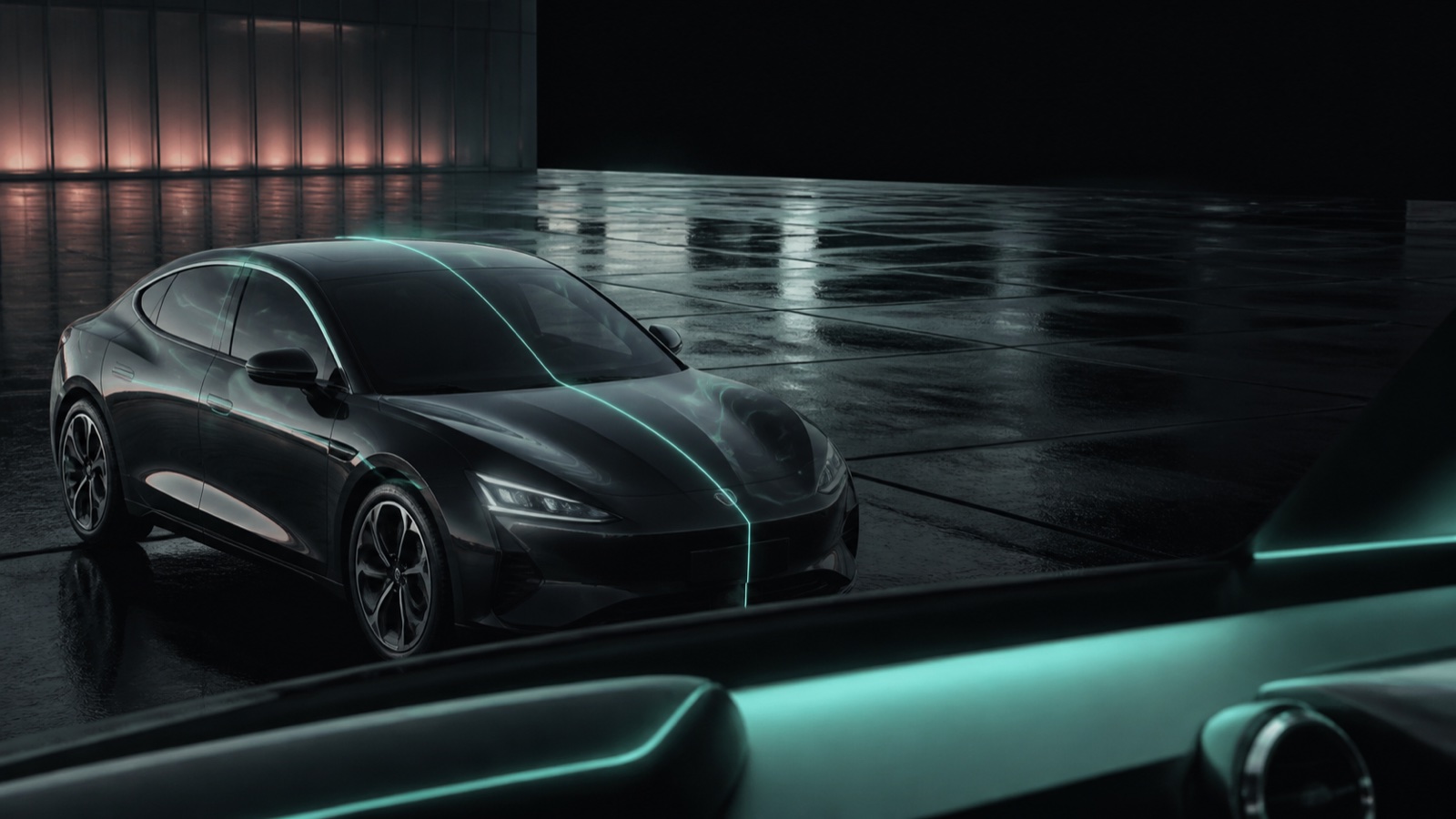
New functions listed by BYD
- Combined Intelligent Cruise Control (ICC) and Lane Departure Assist (LDA) operation
- Curve-speed adjustment for ACC and ICC
- ICC emergency-stop behaviour after sustained hands-off detection, including deceleration and hazard lights
- A hands-off restriction that disables ICC after three warnings and requires a restart
- Cruise-speed adjustment through accelerator override mode
- Prevention of passing on the inside for ACC and ICC
- Road-edge following while ICC is active
- iTAC setting memory on applicable Excellence vehicles
Optimisations listed by BYD
- Maximum ICC activation speed increased to 150 km/h where legally and safely applicable
- Front-seat entry assistance
- Vehicle discharge performance at low temperatures
This summary is based on BYD’s official SEAL (2022–2025) software-update record. Feature availability and wording may vary by market and vehicle.
Step by step: prepare for an offered update
- Confirm that your vehicle belongs to the 2022–2025 SEAL generation and that its prompt identifies version 2.1.0.
- Park safely and allow enough time for the car to remain unavailable.
- Meet the battery and other requirements shown by the vehicle.
- Record important preferences where practical, then follow the vehicle’s installation prompts.
- Wait for the vehicle to report completion and do not interrupt the installation unless instructed.
For the fuller workflow, use our BYD OTA update guide alongside the official manual for your vehicle. Do not install unofficial files to force an update.
Step by step: check the result
- Record the complete software version after installation.
- Check phone pairing and preferred settings while parked.
- Review and test driver-assistance settings only in safe conditions, without assuming they replace attentive driving.
If it fails: retain the full version and exact error wording for authorised BYD support. Persistent warnings or failed installations need authorised assistance.
Manufacturer reference
Use the linked manufacturer document or page alongside the instructions supplied with your exact vehicle.
Open official source ↗