OWNER ANSWER
BYD charging controls: your car, wallbox and tariff are different systems
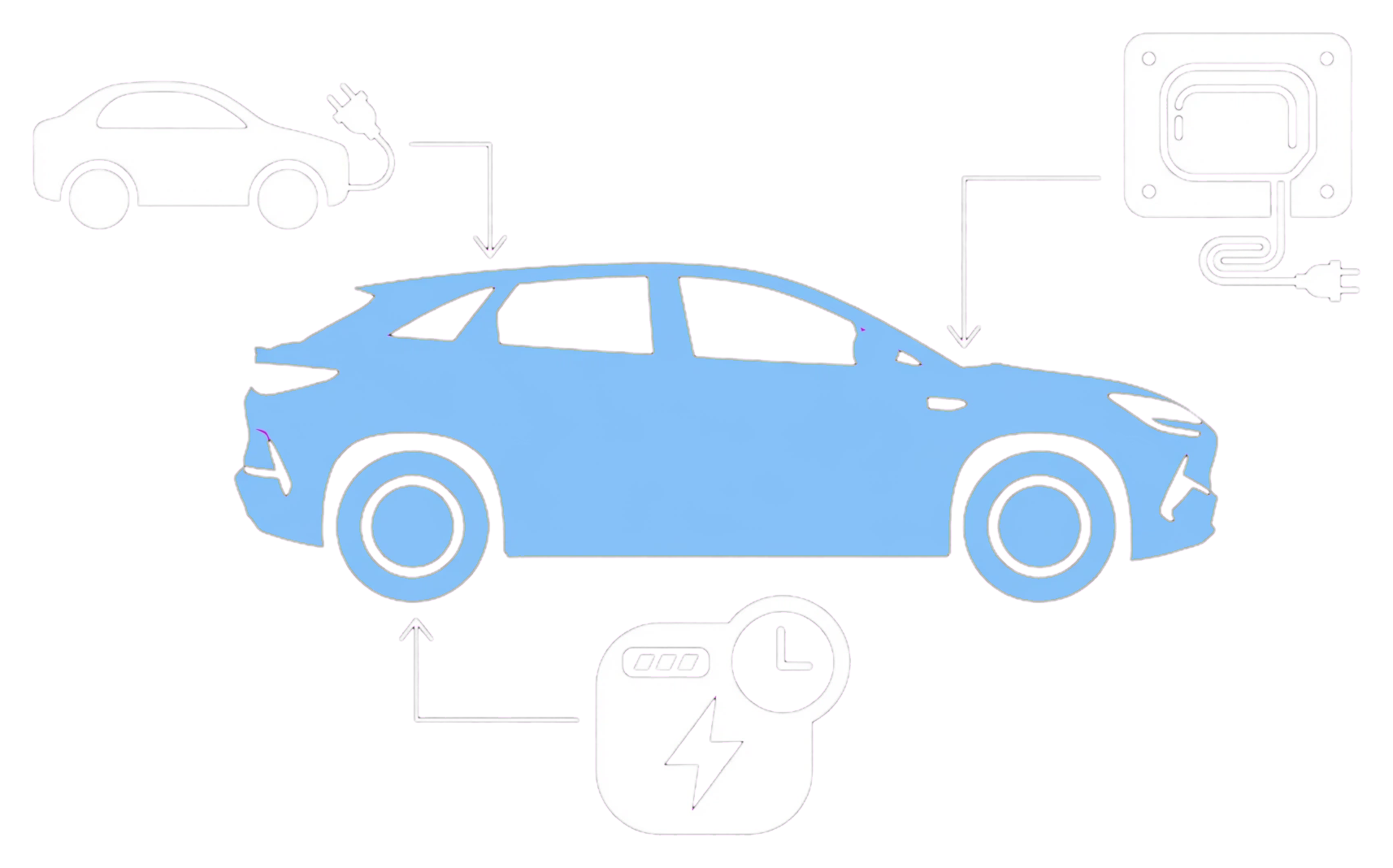
Before looking for a charging button, identify which system you are controlling: the vehicle, the charger or an electricity supplier's service. A feature advertised for a wallbox does not establish that the same control appears for every BYD vehicle.
BYD UK Smart Wallbox product page · checked 8 October 2026
Open sourceBefore looking for a charging button, identify which system you are controlling: the vehicle, the charger or an electricity supplier's service. A feature advertised for a wallbox does not establish that the same control appears for every BYD vehicle.
What BYD advertises for its Smart Wallbox
BYD's UK product page lists remote charging start and stop, adjustable current, charging progress, scheduling and charging history. These are advertised wallbox capabilities, not an all-model vehicle-app feature list. Follow the instructions supplied with your exact charger.
What the charger rating does not tell you
An advertised charger output is not a promise of the power your car will accept. Check the exact vehicle's AC capability and installation with a qualified installer. Do not change electrical settings to chase an advertised figure.
Before troubleshooting a schedule
Write down where each schedule is configured: car, wallbox or tariff service. Record the model, charger identity and the displayed status when charging does not start. This is a diagnostic record, not an instruction to disable every schedule or bypass a safety control.