OWNER ANSWER
BYD charging controls: your car, wallbox and tariff are different systems
Charging controls may belong to the car, the wallbox or your energy supplier. Check which one is controlling this session before changing a timer or target; a feature advertised for a BYD wallbox is not automatically a vehicle-app feature.
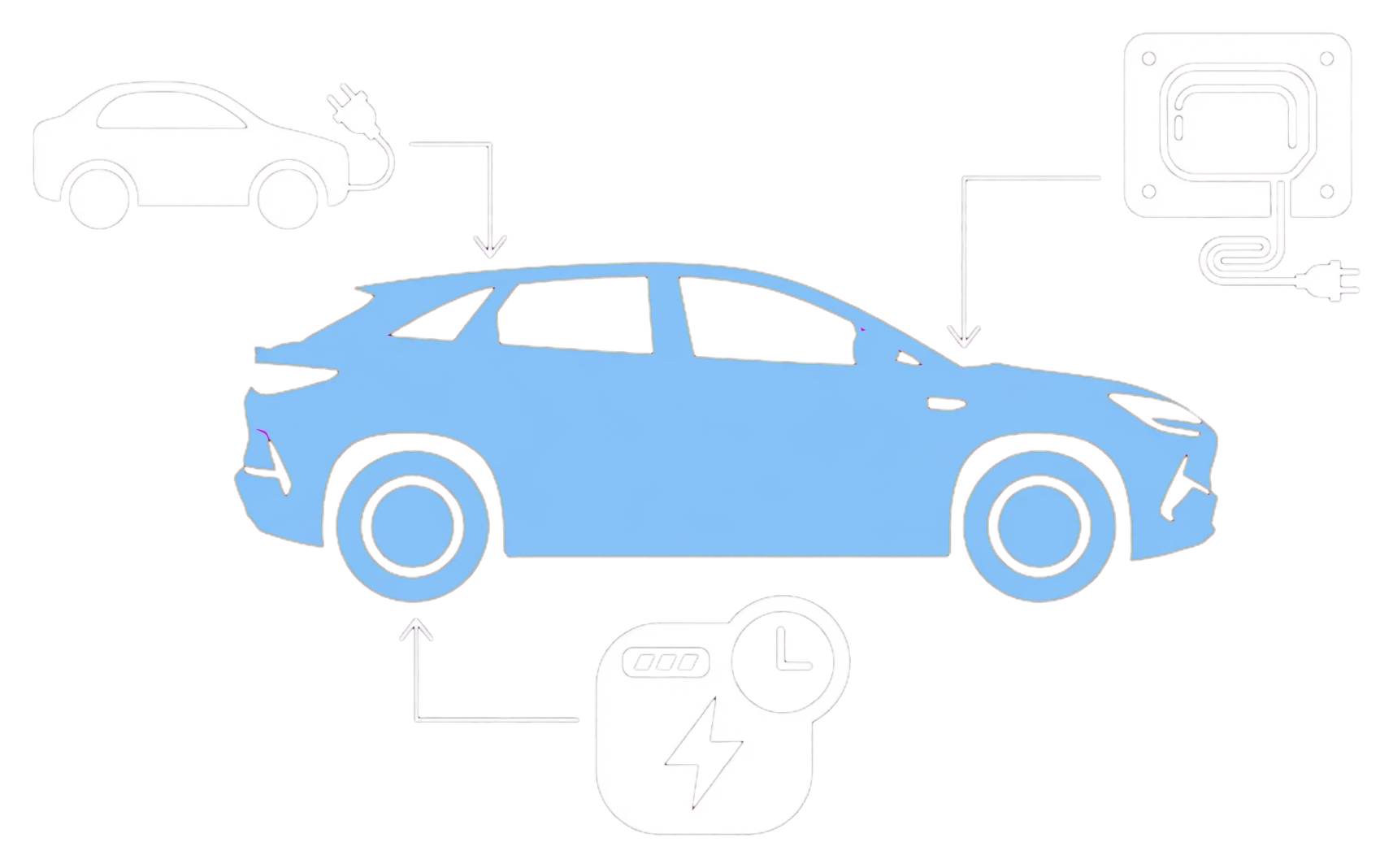
- Identify the device connected in the tariff or wallbox app.
- Read whether its request is a final target, an amount to add or a departure time. Safety note: If a plug is damaged, unusually hot, smells burnt or shows smoke or arcing, stop using it and keep clear. Repeated electrical trips need the installer; reconnecting can worsen an electrical fault.
- Check the car’s fitted AC limit and the installer’s available supply.
- Use the selected integration’s instructions to remove competing schedules.
- Confirm the next authorised session delivers energy.
What BYD’s wallbox page describes
Its remote start/stop, current control, progress, scheduling and history describe the wallbox. Your car, wallbox model, supply and app may offer different controls. Installer limits and load balancing remain part of the installation.
If that did not work
For a missing wallbox function ask its provider; for tariff pairing or billing ask the supplier. If a confirmed normal AC offer is repeatedly refused by the car, ask BYD to check the charging system.
Related links
Source: BYD UK Smart Wallbox product page. Checked 22 October 2026.