OWNER ANSWER
ATTO 3 EVO AEB: warnings, limits and safe checks
For an AEB unavailable or obstruction message on your ATTO 3 EVO, park and clear mist, ice or dirt from the front camera and radar view using the handbook’s cleaning method. Read the full message: a collision alert calling for braking is different from a system-failure warning.
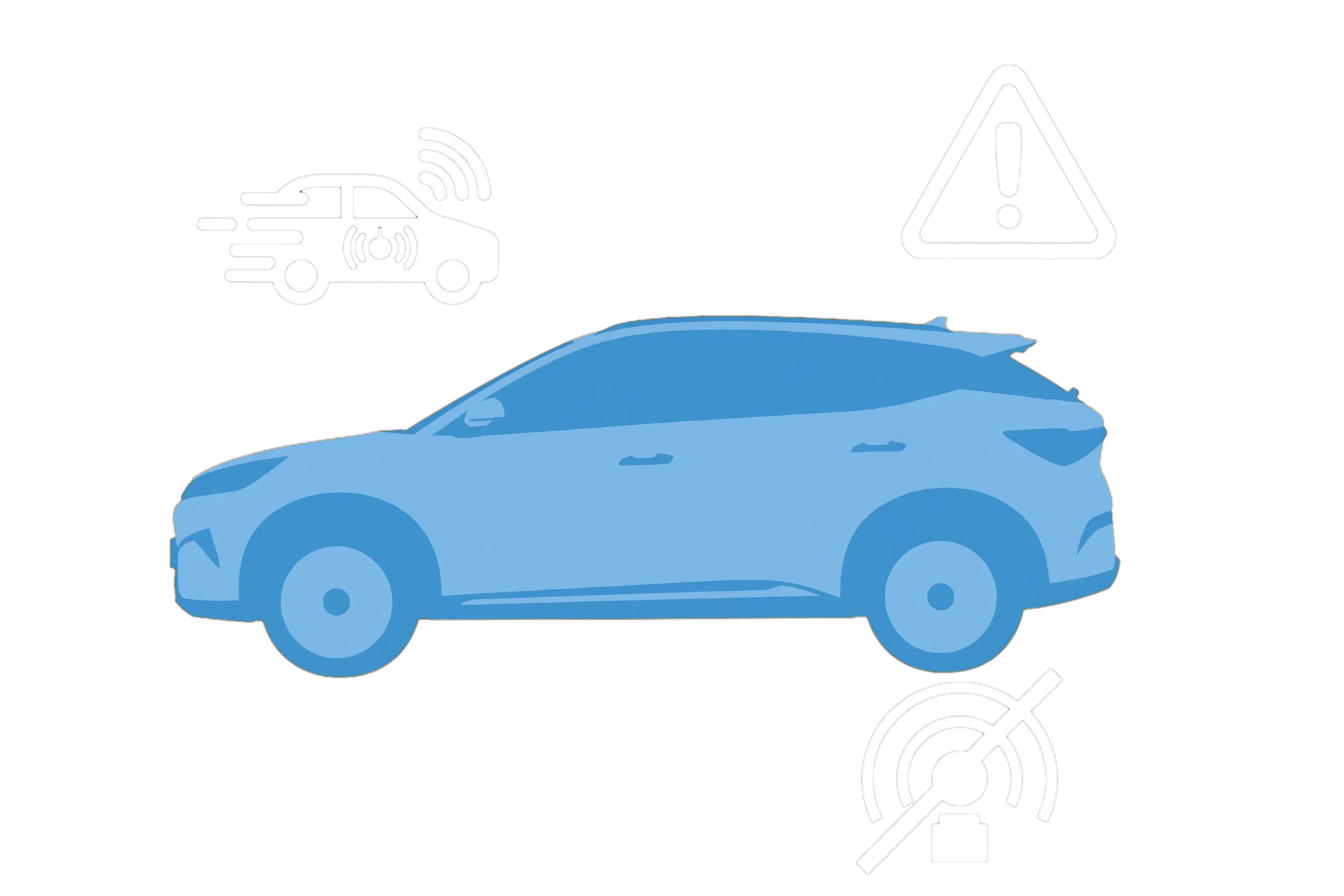
- Respond to the road situation and park somewhere safe before checking the display.
- Read whether the message is a collision alert, an obstruction or an indicated fault.
- Check the handbook-identified sensing areas for visible dirt, ice, mist or something covering the view.
- Clean only accessible glass and exterior surfaces using the normal vehicle-care method. Safety note: AEB cannot detect every hazard or guarantee a stop. Keep normal braking and steering control; deliberately approaching a person or object to test it risks a collision.
- Check whether the obstruction message clears once visibility is restored.
Why it may be unavailable
Poor weather, lighting and obscured sensing areas can limit assistance. Use the ATTO 3 EVO diagram and fitted equipment when identifying the sensing areas.
After repair work
Tell the repairer about a collision, windscreen replacement, sensor removal or wheel-alignment work. Ask whether the applicable sensor alignment and calibration checks were completed.
If that did not work
If a system-failure message remains, the warning returns in clear conditions or braking is unexpected, ask BYD to check the recorded fault and sensor calibration. Use assistance if normal braking or safe control is affected.
What to note down for support: For this fault, the exact message, conditions, full software version and recent repair details help BYD; existing dashcam evidence may help without recreating the event.
Related links
Source: byd.com: owners manual · ATTO 3 EVO handbook (PDF 141). Checked 22 October 2026.