OWNER ANSWER
BYD Apple CarPlay not connecting? iPhone checks that make sense
Practical checks when Apple CarPlay will not connect an iPhone to a BYD, covering USB cables, Siri, Bluetooth, Wi-Fi and re-pairing.
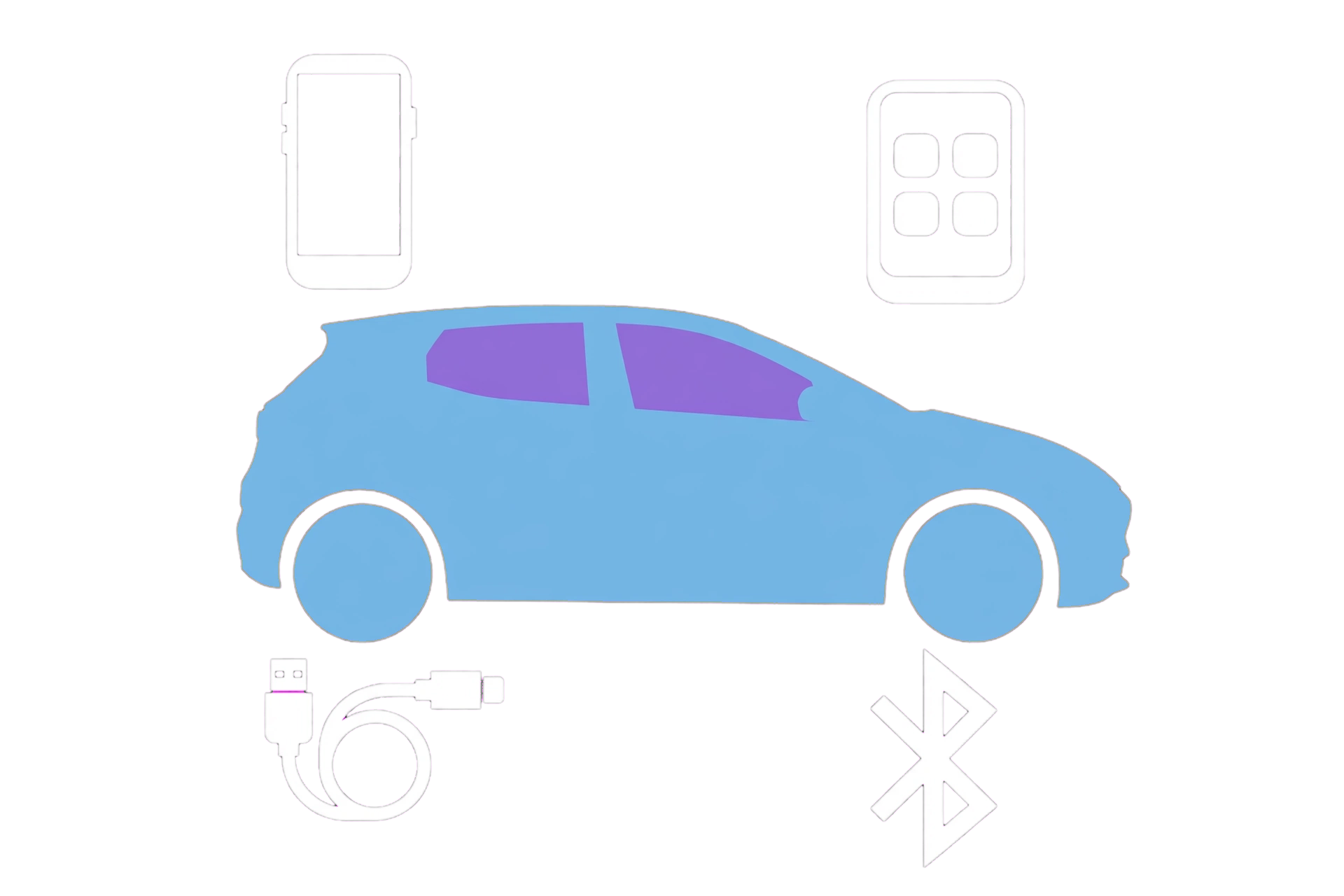
Practical checks when Apple CarPlay will not connect an iPhone to a BYD, covering USB cables, Siri, Bluetooth, Wi-Fi and re-pairing.
- Park safely and switch the car fully on.
- For wired CarPlay, use the USB port marked for data rather than a charging-only port. Try a sound Apple-certified cable; a cable can still charge while failing to carry data.
- Unlock the iPhone and accept any CarPlay or accessory prompt.
- Make sure Siri is enabled. CarPlay requires Siri.
Start with the connection
• Park safely and switch the car fully on. • For wired CarPlay, use the USB port marked for data rather than a charging-only port. Try a sound Apple-certified cable; a cable can still charge while failing to carry data. • Unlock the iPhone and accept any CarPlay or accessory prompt. • Make sure Siri is enabled. CarPlay requires Siri.
If you use wireless CarPlay
• Keep Bluetooth and Wi-Fi enabled on the iPhone. • Open Settings → General → CarPlay and check that the BYD is present. • If the connection remains stuck, remove the car from the iPhone CarPlay list and remove the phone from the car, then pair again while parked. • Restart the iPhone and the vehicle infotainment before repeating the pairing process.
Still not connecting?
Install the latest stable iOS update and check whether a BYD software update is available for your exact model. Test another known-good cable and, if possible, another compatible iPhone. That separates a phone or cable problem from a vehicle-side problem. If every phone fails, contact a BYD retailer and describe whether wired, wireless or both connections fail.
Important: menu names and available connection methods vary by model and software version. Follow the owner manual for your car if it differs from these general checks.
Sources used
This answer was independently written from Apple CarPlay setup guidance and BYD owner information. It does not reproduce their wording.
• Apple: connect iPhone to CarPlay • BYD ATTO 2 right-hand-drive owner manual
BYD UK official source
Open sourceWhich iPhone restriction can prevent CarPlay appearing?
Apple says to check Siri and, if Screen Time content/privacy restrictions are enabled, ensure CarPlay is allowed under the permitted apps/features. For wireless use, check Wi-Fi, Bluetooth and Auto-Join for the CarPlay network. Do not disable unrelated protections.
Could an adapter be the problem even if the phone charges?
Apple notes that some USB-C-to-Lightning adapter/cable/vehicle combinations disrupt wired CarPlay. Compare a direct compatible data cable rather than stacking adapters. Record the result before replacing equipment.
What should I keep before trying Forget This Car?
Save the working/failed conditions, phone/iOS and car software first. Apple includes forgetting the affected car in Settings → General → CarPlay, then setting it up again. This is a phone connection reset, not a vehicle factory reset. Owner-confirmed workarounds for the same setup should remain in the report.
Connection evidence checked 17 October 2026; vehicle fitment remains exact-car dependent
Open sourcePRACTICAL NEXT STEP · MyBYD
Your BYD. A clear next step.
Applies to: Apple UK CarPlay troubleshooting, checked 17 October 2026. General phone checks for an already-supported BYD connection, not a model fitment list.
Evidence checked · Review due
Review is due. Recheck the primary source and your exact version before relying on changing details.
First useful check
While parked, check the failed connection mode and the iPhone’s CarPlay/Siri permissions before removing a working pairing.
Read the result
The supported projection interface opens, not just Bluetooth calls or USB charging. If a comparison works, retain the result; it narrows the branch but does not prove a permanent repair.
Stop or change approach: Park before changing settings. Keep existing working keys and accounts; do not factory-reset the vehicle, sideload unofficial packages or bypass phone security prompts.
Prepare a useful record
Exact model/build and vehicle software, phone and OS, supported wired/wireless mode, cable and data port, exact prompt and the result of one change at a time.
Keep registration, VIN, account numbers and personal addresses out of this note. Nothing typed here is sent to us or saved automatically. Copy it before leaving the page.
Evidence and answer standard
Handbook/provider checks supplement existing owner guidance; outcomes remain conditional. The date records an evidence review, not a physical test of your car. A forum report can identify a question; it cannot establish a universal repair.
How MyBYD checks owner guidance →