OWNER ANSWER
BYD Digital Key compatible phones and Apple Watch
Check BYD Digital Key phone, wallet and Apple Watch requirements before setup, with UK-focused compatibility checks and official-source guidance.
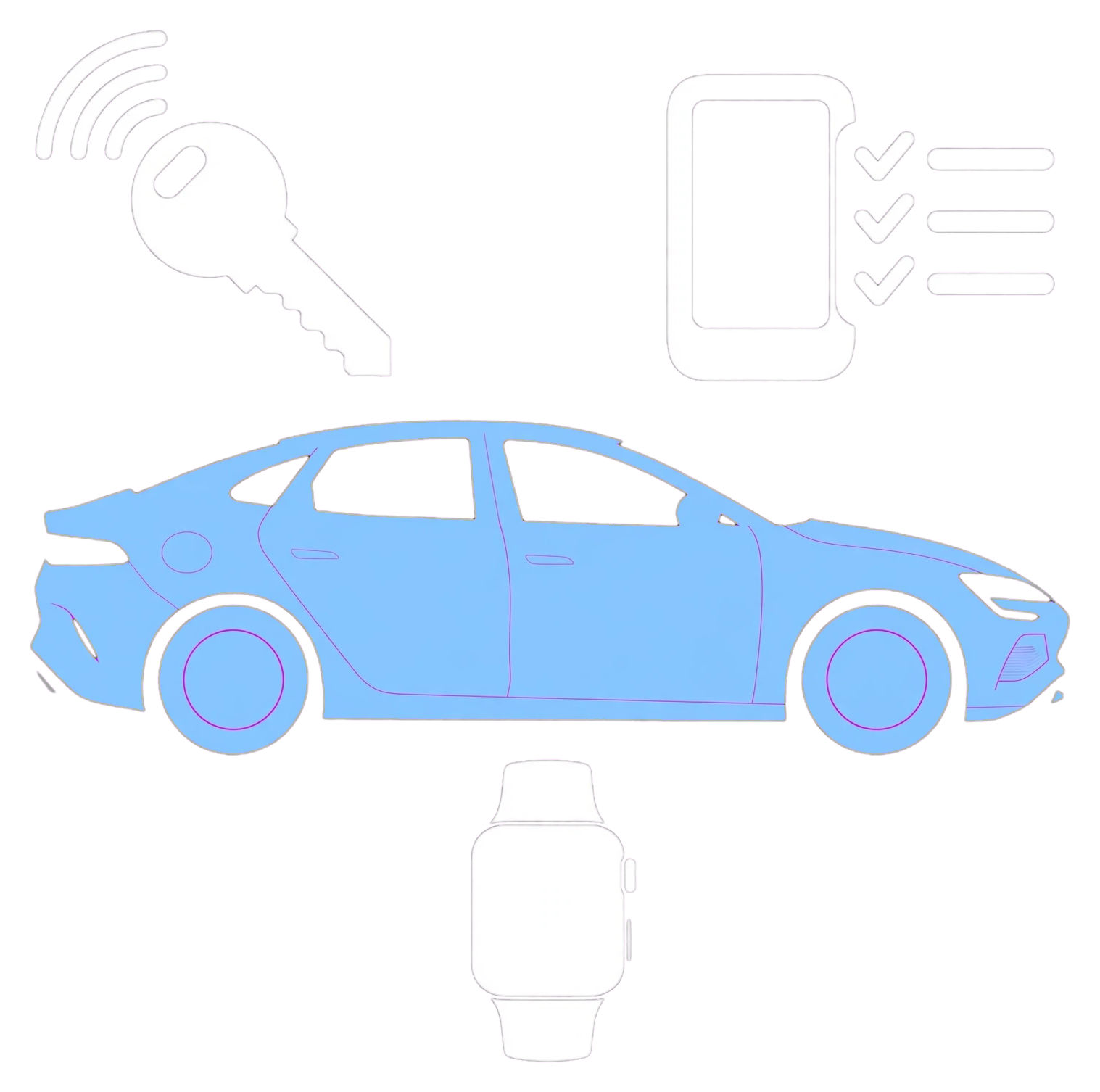
Check BYD Digital Key phone, wallet and Apple Watch requirements before setup, with UK-focused compatibility checks and official-source guidance.
- Confirm the exact UK model, trim, model year and current vehicle software.
- Open the official BYD app and look for the Digital Key tile.
- Check the vehicle manual for NFC Digital Key and the in-car NFC location.
- Confirm that the correct wallet, NFC and device security are enabled.
- Keep the physical key available during setup and initial testing.
BYD app and Digital Key are different
The ordinary BYD app can show vehicle information and remote controls where cloud service is activated. Digital Key additionally lets a supported phone or wearable act as an NFC vehicle key. A phone may run the app even when its wallet, hardware or the vehicle does not support Digital Key.
Apple devices listed by BYD Europe
BYD states support for iPhone XS or later and Apple Watch Series 5 or later. Activation uses the BYD app and Apple Wallet. The vehicle, iPhone and watch must meet BYD and Apple requirements, and software must be current.
Samsung Galaxy devices listed by BYD Europe
The published list includes Galaxy S20, S21, S22, S23 and S24 families with specified 5G, Plus, Ultra and FE variants, plus selected Galaxy Note20, Z Fold2–5 and Z Flip models. Exact variants matter; a newer or similarly named Galaxy should not be assumed compatible unless the current BYD list or Samsung Wallet confirms it.
Google Pixel devices listed by BYD Europe
The published list includes Pixel 6, 6a and 6 Pro; Pixel 7, 7a and 7 Pro; Pixel 8, 8a and 8 Pro; and Pixel Fold. Activation uses Google Wallet. Do not assume every other Android phone supports the BYD NFC key.
What about Wear OS, Samsung watches and other wearables?
The BYD Europe page specifically confirms Apple Watch support but does not publish an equivalent general Wear OS or Galaxy Watch list. Some BYD manuals say that some wearable devices may be supported and advise checking with BYD. Until a current official compatibility entry confirms the exact watch and UK vehicle, treat it as unverified.
Check the vehicle before buying a device
• Confirm the exact UK model, trim, model year and current vehicle software. • Open the official BYD app and look for the Digital Key tile. • Check the vehicle manual for NFC Digital Key and the in-car NFC location. • Confirm that the correct wallet, NFC and device security are enabled. • Keep the physical key available during setup and initial testing.
If Digital Key is missing
Do not sideload another market’s app or software. Ask the supplying retailer or BYD support whether cloud service is activated and whether the exact VIN and software branch support Digital Key in the UK. Never post a VIN, wallet screenshot, activation email, operation password or one-time code publicly.
Current official device list: BYD Europe Digital Key compatibility ↗
BYD Europe official source
Open source