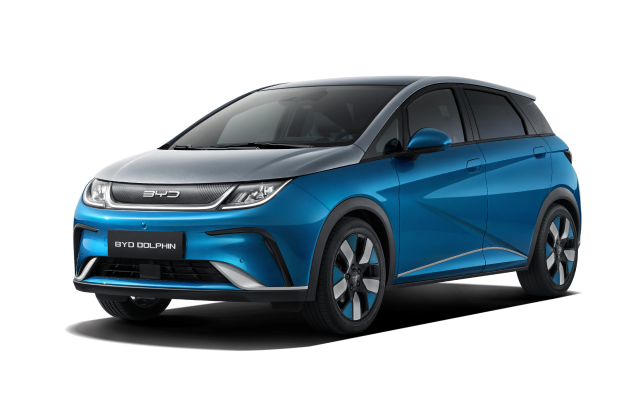
Capture a useful comparison
- Confirm the post is DC rapid charging through CCS, not an AC Type 2 connection.
- Record the battery percentage, outside temperature, charging power and time after the session began.
- Check the charger screen or operator app for reduced-power, shared-power or fault messages.
- Compare another suitable charger only when practical; one session cannot identify which side limited power.
Battery state and temperature matter
Charging normally slows as the battery fills, and a very cold or hot battery may accept less power. Arriving after gentle local driving can produce a different result from arriving after sustained driving. Follow any DOLPHIN battery-conditioning guidance shown by the vehicle and current handbook.
Do not chase the headline number
A stable session that adds the energy needed for the journey can be normal even when it never shows the maximum specification. Do not repeatedly stop and restart charging or run the battery unnecessarily low solely to force a peak.
When to investigate
Keep receipts or screenshots from several known-working compatible chargers, including battery percentage and temperature. Ask the operator about a single affected post. If the DOLPHIN remains unusually limited across comparable sites or displays a charging-system warning, give the evidence to an authorised BYD repairer.
Use the linked manufacturer document or page alongside the instructions supplied with your exact vehicle.
Open official source ↗